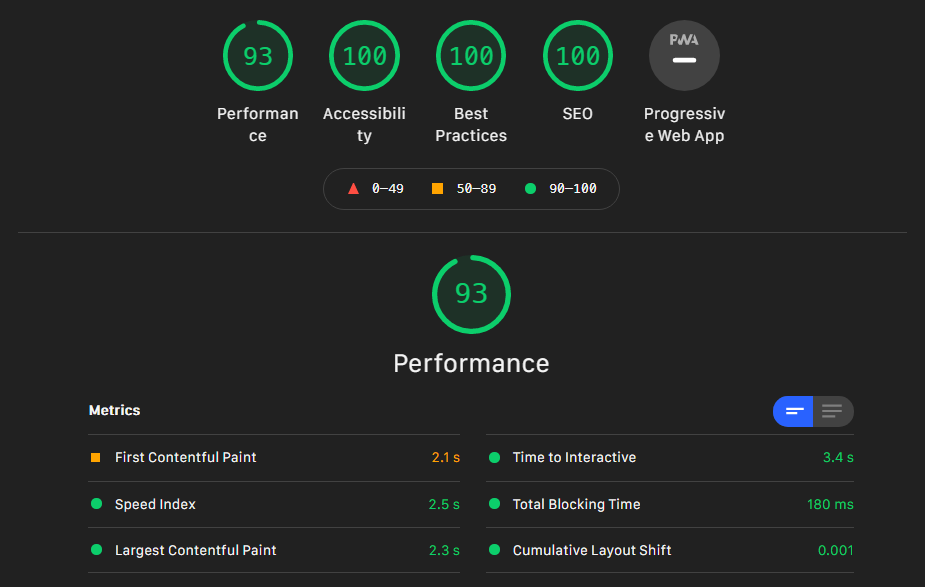
Size and Performance
- @splidejs/splide:
@splidejs/splideis a lightweight slider with a small footprint (around 20KB minified). It is designed for performance, making it a great choice for projects where load times and resource usage are critical. - flickity:
flickityis relatively lightweight (about 30KB minified) but offers rich features and smooth animations. Its performance is optimized for both desktop and mobile devices, making it suitable for most web applications. - slick-carousel:
slick-carouselis larger in size (around 70KB minified), but it provides a comprehensive set of features out of the box. The trade-off in size is justified for projects that need its extensive functionality. - swiper:
swiperis modular, allowing developers to include only the features they need, which helps keep the bundle size small. This makes it a good choice for performance-sensitive applications, especially when optimized.
Customization
- @splidejs/splide:
@splidejs/splideoffers extensive customization options, including themes, animations, and navigation styles. Its API is designed to be flexible, allowing developers to easily modify its behavior and appearance. - flickity:
flickityprovides a range of customization options, particularly for its animations and navigation controls. It is easy to style and configure, making it a good choice for projects that need a visually distinctive slider. - slick-carousel:
slick-carouselis highly customizable, with support for multiple breakpoints, variable widths, and a wide range of settings. It is ideal for projects that require detailed control over the slider’s behavior and appearance. - swiper:
swiperis highly customizable and modular, allowing developers to tailor the slider to their specific needs. Its architecture supports deep customization, making it suitable for complex applications.
Accessibility
- @splidejs/splide:
@splidejs/splideis built with accessibility in mind, providing ARIA attributes and keyboard navigation out of the box. It is a good choice for projects that need to meet accessibility standards. - flickity:
flickityincludes basic accessibility features, such as keyboard navigation and ARIA roles. However, it may require additional work to fully meet accessibility guidelines. - slick-carousel:
slick-carouselhas limited built-in accessibility features, and developers may need to implement additional enhancements to make it fully accessible. - swiper:
swiperprovides accessibility features, including ARIA attributes and keyboard navigation. It is designed to be accessible, but like other libraries, it may require some configuration to meet all standards.
Touch and Mobile Support
- @splidejs/splide:
@splidejs/splidesupports touch and swipe gestures, making it suitable for mobile devices. Its lightweight design ensures smooth performance on a variety of platforms. - flickity:
flickityis known for its excellent touch and mobile support, with smooth swipe gestures and responsive design. It is a top choice for mobile-friendly sliders. - slick-carousel:
slick-carouselsupports touch and swipe gestures, but its performance on mobile devices can vary depending on the complexity of the slider and the content being displayed. - swiper:
swiperis designed with mobile in mind, offering fast and responsive touch interactions. Its performance is optimized for mobile devices, making it ideal for mobile-first applications.
Ease of Use: Code Examples
- @splidejs/splide:
@splidejs/splideis easy to use, with clear documentation and a simple API. It is designed to be intuitive, allowing developers to quickly implement sliders with minimal effort. - flickity:
flickityhas a straightforward API and good documentation, making it easy to integrate and customize. Its focus on user experience is reflected in its ease of use. - slick-carousel:
slick-carouselis relatively easy to use, but its extensive feature set can make it more complex to configure. Good documentation helps, but it may take time to master all its capabilities. - swiper:
swiperhas a well-documented API and is easy to use for basic implementations. Its modular nature means that more advanced features may require additional learning.
Ease of Use: Code Examples
- @splidejs/splide:
Simple slider with
@splidejs/splideimport Splide from '@splidejs/splide'; const splide = new Splide('.splide', { type : 'loop', perPage: 3, autoplay: true, }); splide.mount(); - flickity:
Basic carousel with
flickityimport Flickity from 'flickity'; const flkty = new Flickity('.carousel', { cellAlign: 'left', contain: true, autoPlay: 3000, }); - slick-carousel:
Simple slider with
slick-carouselimport 'slick-carousel/slick/slick.css'; import 'slick-carousel/slick/slick-theme.css'; import $ from 'jquery'; $('.slider').slick({ slidesToShow: 3, slidesToScroll: 1, autoplay: true, autoplaySpeed: 2000, }); - swiper:
Basic slider with
swiperimport Swiper from 'swiper'; import 'swiper/swiper-bundle.css'; const swiper = new Swiper('.swiper-container', { loop: true, autoplay: { delay: 3000, }, slidesPerView: 3, spaceBetween: 30, });