


React Joyride


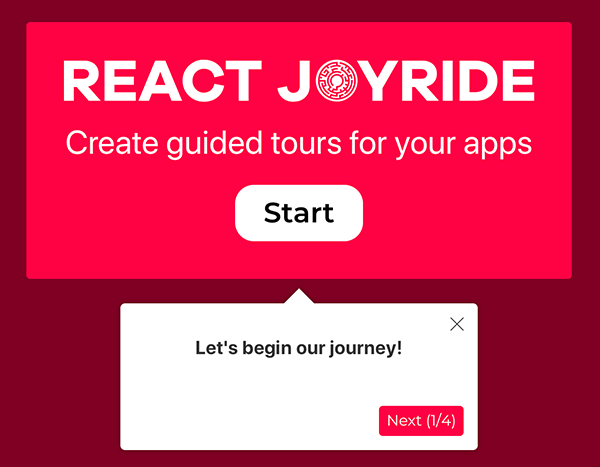
Create awesome tours for your app!
Showcase your app to new users or explain functionality of new features.
It uses react-floater for positioning and styling.
And you can use your own components too!
View the demo here (or the codesandbox examples)
Read the docs
Talk about it on the Discussions board.
Setup
npm i react-joyride
Getting Started
import Joyride from 'react-joyride';

export class App extends React.Component {
  state = {
    steps: [
      {
        target: '.my-first-step',
        content: 'This is my awesome feature!',
      },
      {
        target: '.my-other-step',
        content: 'This another awesome feature!',
      },
      ...
    ]
  };

  render () {
    const { steps } = this.state;

    return (
      <div className="app">
        <Joyride
          steps={steps}
          ...
        />
        ...
      </div>
    );
  }
}
If you need to support legacy browsers you need to include the scrollingelement polyfill.
Sponsored by

React Joyride is proud to be sponsored by Frigade, a developer tool for building better product onboarding: guided tours, getting started checklists, announcements, etc.
Development
Setting up a local development environment is easy!
Clone (or fork) this repo on your machine, navigate to its location in the terminal and run:
npm install
npm link # link your local repo to your global packages
npm run watch # build the files and watch for changes
Now clone https://github.com/gilbarbara/react-joyride-demo and run:
npm install
npm link react-joyride # just link your local copy into this project's node_modules
npm start
Start coding! 🎉