Ease of Use
- react-spring:
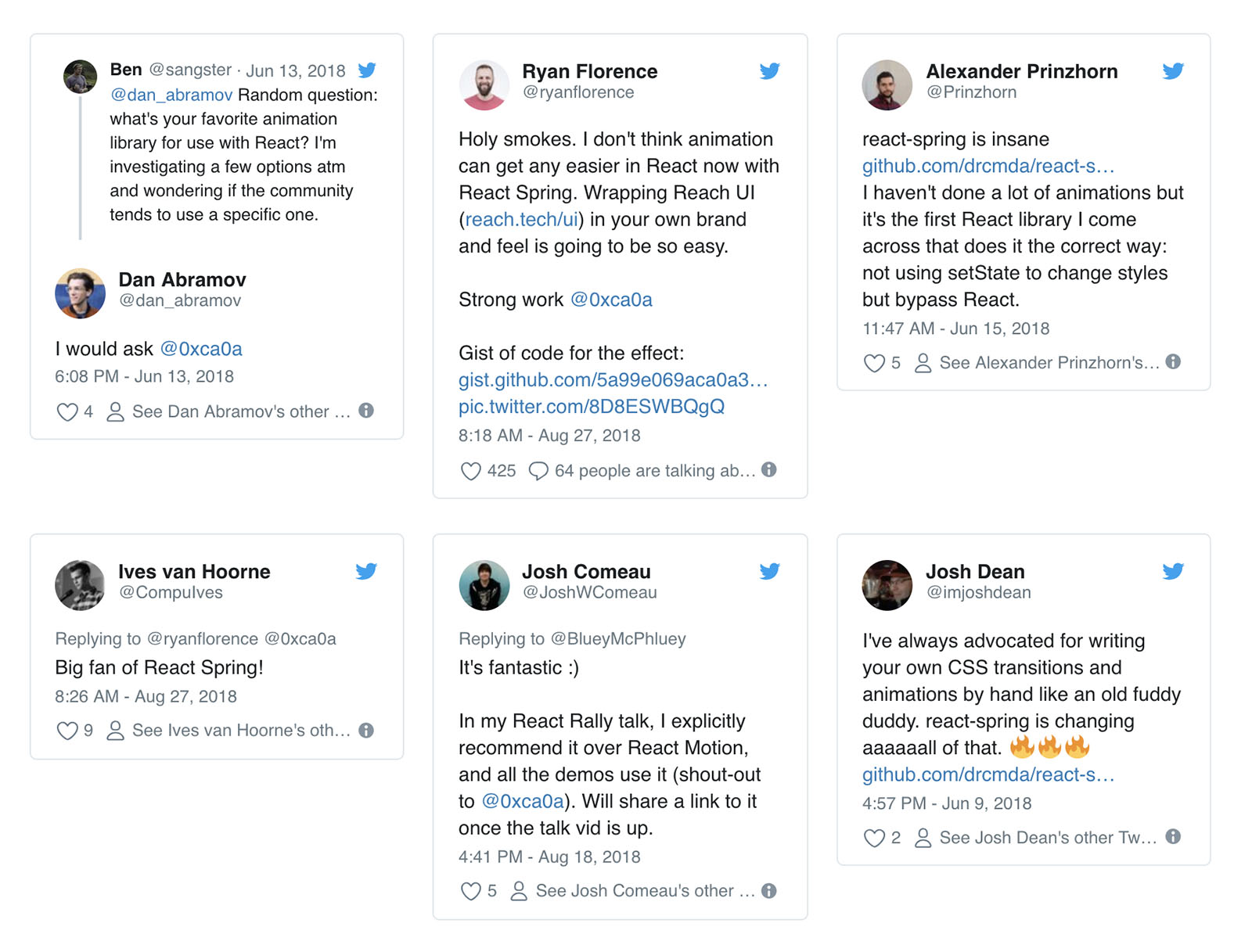
React Spring is designed for React developers, making it intuitive to use within React applications. Its hooks-based API allows for straightforward integration and management of animations in functional components.
- animate.css:
Animate.css is extremely easy to use; it requires just a CSS class to apply animations to elements. Developers can quickly implement animations without any JavaScript knowledge, making it accessible for beginners.
- gsap:
GSAP has a steeper learning curve due to its extensive API and capabilities, but it offers detailed documentation and examples. Once learned, it provides powerful tools for creating intricate animations with precision.
- velocity-animate:
Velocity.js offers a familiar syntax for those who have used jQuery, making it easy to pick up. However, it may require some understanding of its unique features to fully leverage its capabilities.
Performance
- react-spring:
React Spring is optimized for performance in React applications, leveraging the React reconciliation process. It provides smooth animations that are responsive to state changes, making it ideal for interactive UIs.
- animate.css:
Animate.css relies on CSS animations, which are generally performant but may not handle complex animations as efficiently as JavaScript-based solutions. It is best for simple animations that do not require heavy computational resources.
- gsap:
GSAP is known for its exceptional performance, even with complex animations. It uses requestAnimationFrame for smooth animations and can handle a large number of animated elements without performance degradation.
- velocity-animate:
Velocity.js improves performance over jQuery animations by using CSS transitions where possible and optimizing animations for speed. It is suitable for projects that require a balance between ease of use and performance.
Animation Types
- react-spring:
React Spring focuses on physics-based animations, providing a more natural feel to transitions. It allows for spring dynamics, which can create more lifelike animations compared to traditional easing functions.
- animate.css:
Animate.css provides a wide range of pre-defined animations such as fade, bounce, and slide effects. It is limited to these predefined options, which may not suit every unique animation need.
- gsap:
GSAP supports a vast array of animation types, including complex sequences, timelines, and even SVG animations. It allows for detailed control over every aspect of the animation, making it highly versatile.
- velocity-animate:
Velocity.js supports a variety of animation types, including color and transform animations, and allows for custom easing functions. It combines the best of jQuery's animation capabilities with CSS performance.
Integration
- react-spring:
React Spring is specifically designed for React applications, making it the best choice for projects built with React. It leverages React's component lifecycle for optimal animation performance.
- animate.css:
Animate.css can be easily integrated into any web project without dependencies, making it highly versatile for any framework or library. It is purely CSS-based, so it works seamlessly with existing styles.
- gsap:
GSAP can be integrated into any web project and works well with various frameworks, including React, Vue, and Angular. It is highly adaptable and can be used alongside other libraries for enhanced functionality.
- velocity-animate:
Velocity.js can be integrated into projects that use jQuery or can be used standalone. It is a good option for projects that already utilize jQuery and want to enhance their animation capabilities.
Community and Support
- react-spring:
React Spring has a growing community and good documentation tailored for React developers. It is actively maintained, ensuring that users have access to the latest features and best practices.
- animate.css:
Animate.css has a large community and is widely used, which means there are numerous resources and examples available online. However, support is mostly community-driven rather than official.
- gsap:
GSAP has a strong community and extensive documentation, along with official support from GreenSock. This makes it a reliable choice for developers seeking help and resources.
- velocity-animate:
Velocity.js has a decent community but is less active than some of the other libraries. While there are resources available, they may not be as comprehensive or up-to-date as those for GSAP or React Spring.