Keep watch of your bundle size



Npm Package Weekly Downloads Trend
Cumulative GitHub Star Trend
Stat Detail


Popular Comparisons
README for bundlewatch

Keep watch of your bundle size.




BundleWatch checks file sizes, ensuring bundled browser assets don't jump in file size.
Sharp increases in BundleWatch can signal that something is wrong, such as adding a package that bloats the slug, an incorrect import, or forgetting to minify.
Inspired by Siddharth Kshetrapal's bundlesize
Getting Started
Install the BundleWatch package:
npm install bundlewatch --save-dev
Add some basic configuration to your package.json
{
    "name": "my package name",
    "version": "0.0.1",
    "bundlewatch": {
        "files": [
            {
                "path": "myfolder/*.js",
                "maxSize": "100kB"
            }
        ]
    }
}
[!NOTE] You can also use a
bundlewatch.config.jsfile instead of thepackage.jsonfield. See the documentation for more details.
Usage
npm run bundlewatch
This will give you command line output. If you want BundleWatch to report build status on your pull requests, see below.
Adding Build Status
BundleWatch can report its status on your GitHub Pull Requests.
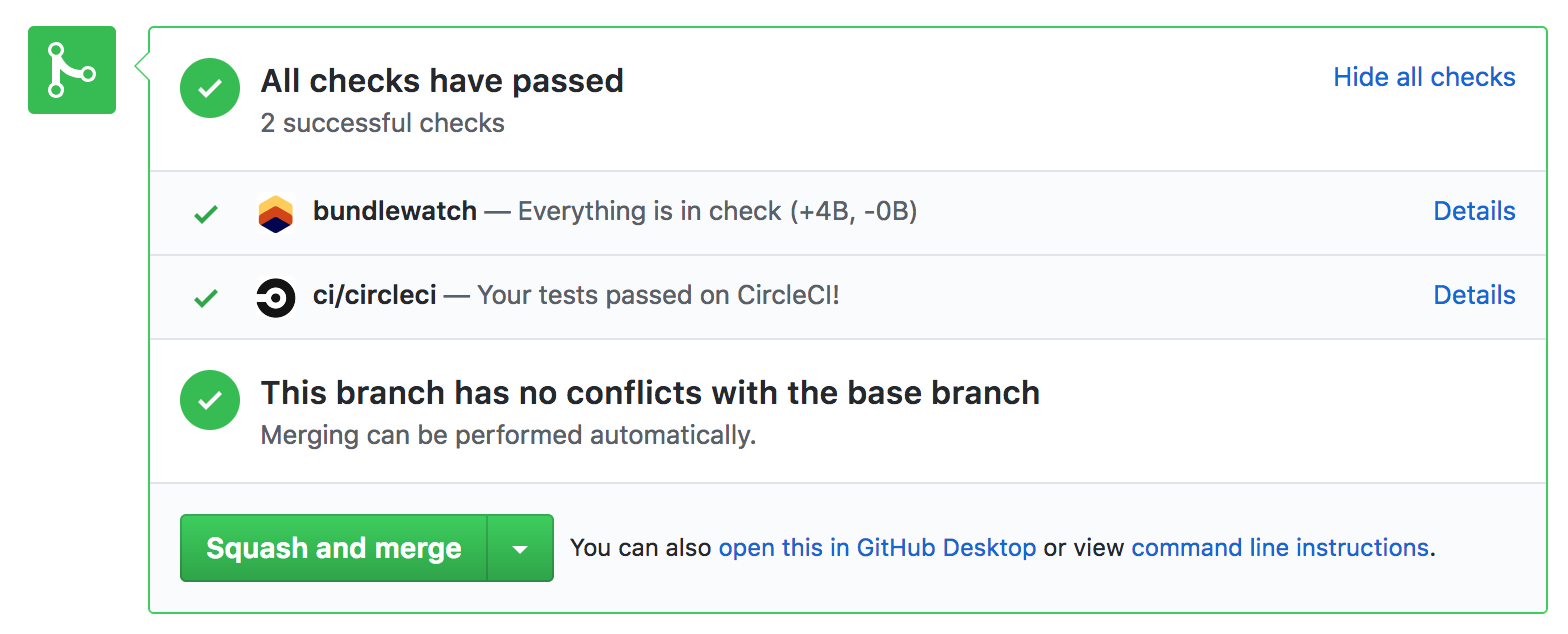
CI Auth Variables Needed by BundleWatch
BUNDLEWATCH_GITHUB_TOKEN
You will need to give BundleWatch access to your GitHub Statuses, which can be done by heading to: https://service.bundlewatch.io/setup-github
This will give you your BUNDLEWATCH_GITHUB_TOKEN. You will need to set this as an environment variable in CI.
CI Variables Needed by BundleWatch
The most efficient way to get this running is to ensure that some environment variables are available for BundleWatch to find.
CI_REPO_OWNERgithub.com/facebook/reactCI_REPO_NAMEgithub.com/facebook/reactCI_COMMIT_SHACI_BRANCH
If you're using, Travis, CircleCI, Wrecker, Drone or GitHub Actions these should all work out of the box.
[!TIP] Have a look at the source code to see which variables are automatically found:
getCIVars
Viewing the results breakdown
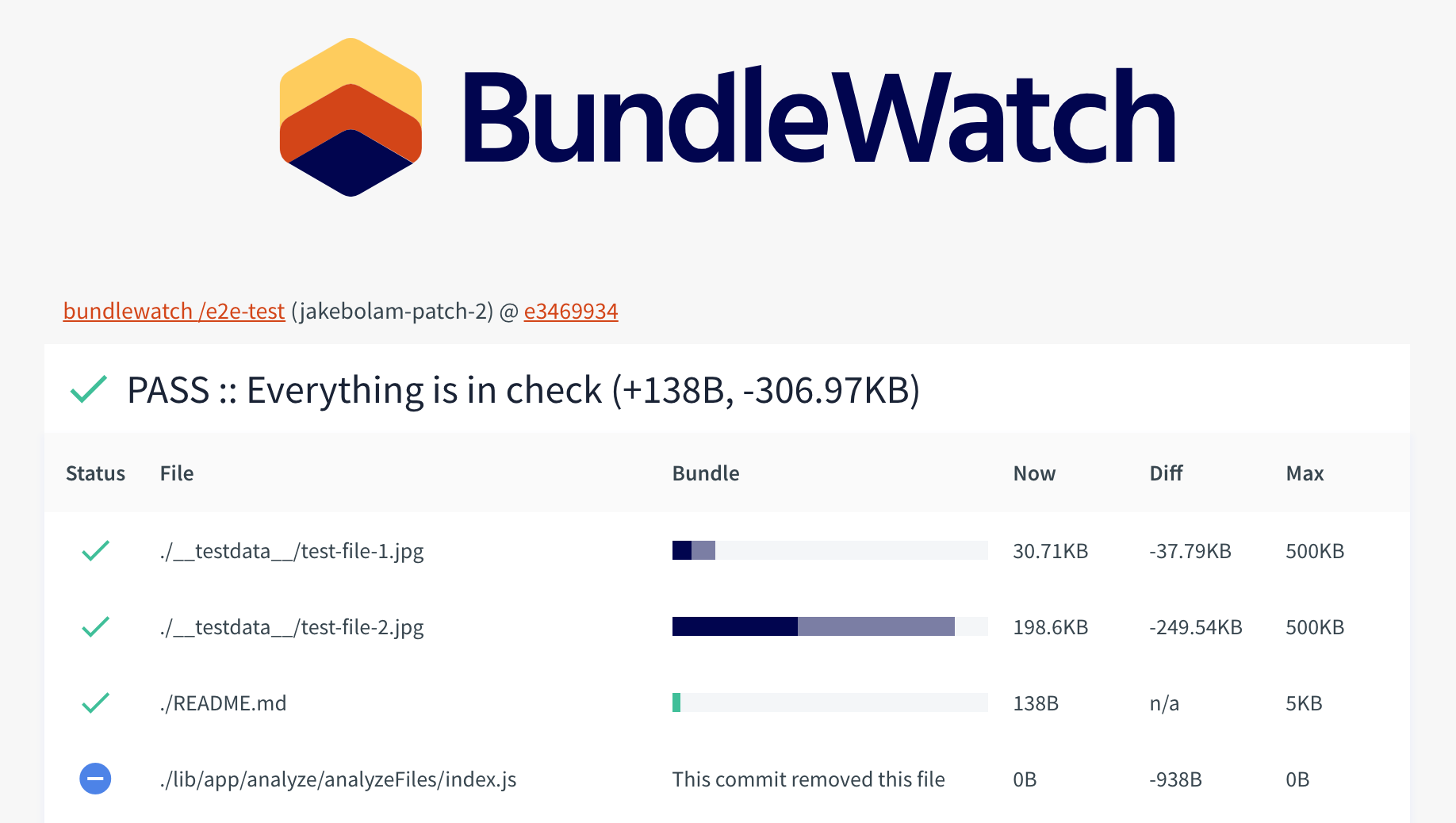
After setting up the above you will have BuildStatus on your Pull Requests. Clicking the details link on the reported status will show you a results file breakdown.
Additional Documentation
Full documentation available on bundlewatch.io
I use bundlesize, why should I switch to BundleWatch
- Bundlesize has entered maintenance mode and pull requests are left hanging, so we wanted to reboot the community through creating BundleWatch
- New BundleWatch service with infrastructure as code
- Launched bundlewatch.io documentation website
- Enough test coverage to support CD
- Node API Support
- Lower barrier to contributing (automated testing and publishing), build a trusted community of contributors to have continuous improvement
Additional Features
- Config validation to stop users from guessing why BundleWatch won't work
- Support for config file path
- Better results breakdown page
- Better comparisons between branches, support branches other than master
- Support for your own server for storing data
- New and improved CI behaviour
- Show history of BundleWatchs over time
Contributors
Want to Help? Become a Contributor
Contributions of any kind are welcome! See the Contributing docs.