Sentry CLI - A command-line interface for using Sentry built by robots and humans for robots and humans



Npm Package Weekly Downloads Trend
Cumulative GitHub Star Trend
Stat Detail


Popular Comparisons
README for sentry
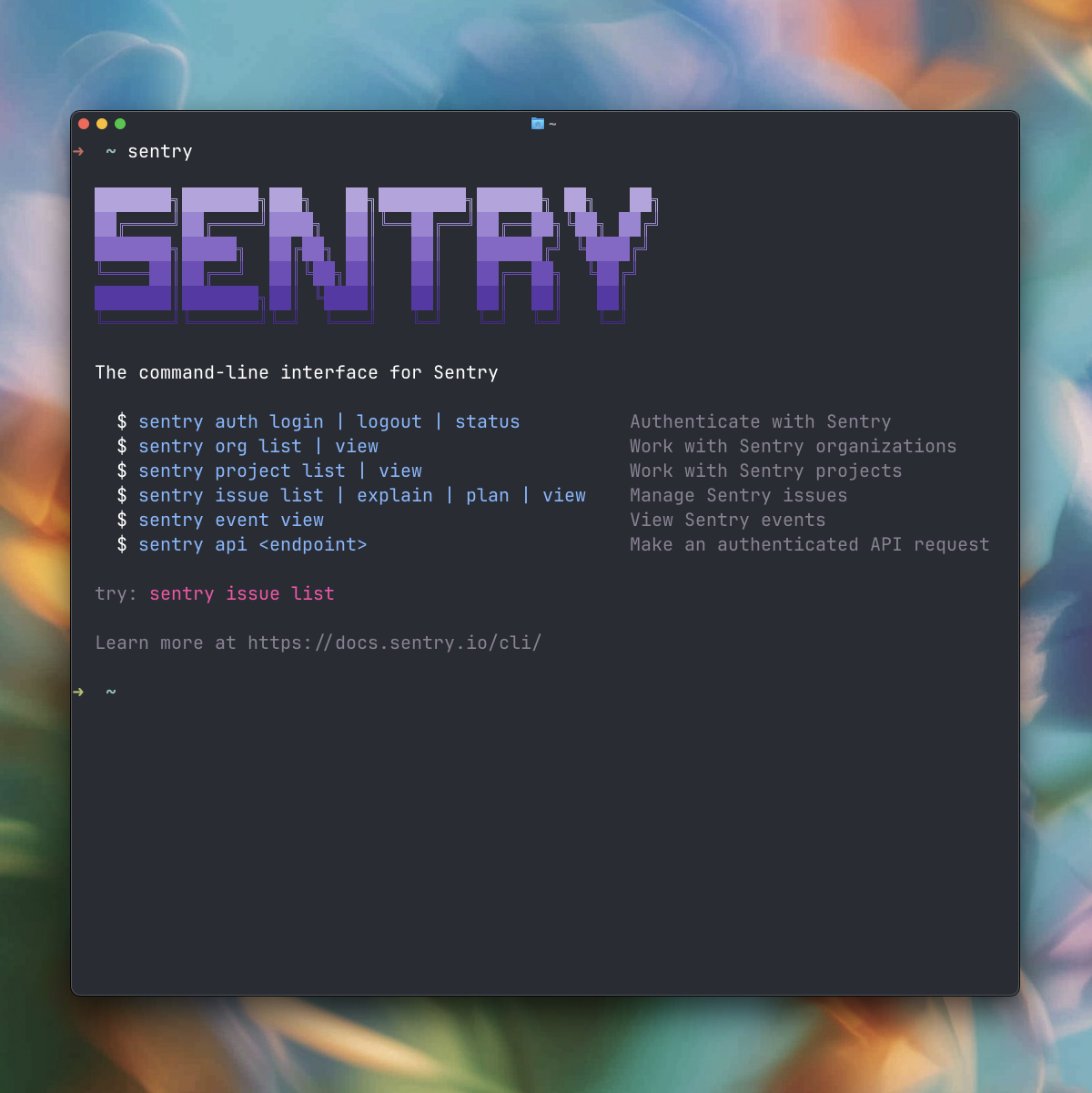
The command-line interface for Sentry. Built for developers and AI agents.
Documentation | Getting Started | Commands
Installation
Install Script (Recommended)
curl https://cli.sentry.dev/install -fsS | bash
Homebrew
brew install getsentry/tools/sentry
Package Managers
npm install -g sentry
pnpm add -g sentry
yarn global add sentry
bun add -g sentry
The npm/pnpm/yarn packages require Node.js 20+. On Node.js 22.15+ the CLI uses the built-in
node:sqlite; on Node.js 20–22.14 it transparently falls back to a bundled WASM SQLite driver.
Run Without Installing
npx sentry@latest
pnpm dlx sentry --help
yarn dlx sentry --help
bunx sentry --help
Quick Start
# Authenticate with Sentry
sentry auth

# List issues (auto-detects project from your codebase)
sentry issue list

# Get AI-powered root cause analysis
sentry issue explain PROJ-ABC

# Generate a fix plan
sentry issue plan PROJ-ABC
Features
- DSN Auto-Detection - Automatically detects your project from
.envfiles or source code. No flags needed. - Seer AI Integration - Get root cause analysis and fix plans directly in your terminal.
- Monorepo Support - Works with multiple projects, generates short aliases for easy navigation.
- JSON Output - All commands support
--jsonfor scripting and pipelines. - Open in Browser - Use
-wflag to open any resource in your browser.
Commands
Run sentry --help to see all available commands, or browse the command reference.
Configuration
Credentials are stored in ~/.sentry/ with restricted permissions (mode 600).
Library Usage
Use Sentry CLI programmatically in Node.js (≥20.0) without spawning a subprocess:
import createSentrySDK from "sentry";

const sdk = createSentrySDK({ token: "sntrys_..." });

// Typed methods for every CLI command
const orgs = await sdk.org.list();
const issues = await sdk.issue.list({ orgProject: "acme/frontend", limit: 5 });
const issue = await sdk.issue.view({ issue: "ACME-123" });

// Nested commands
await sdk.dashboard.widget.add({ display: "line", query: "count" }, "my-org/my-dashboard");

// Escape hatch for any CLI command
const version = await sdk.run("--version");
const text = await sdk.run("issue", "list", "-l", "5");
Options (all optional):
token— Auth token. Falls back toSENTRY_AUTH_TOKEN/SENTRY_TOKENenv vars.url— Sentry instance URL for self-hosted (e.g.,"sentry.example.com").org— Default organization slug (avoids passing it on every call).project— Default project slug.text— Return human-readable string instead of parsed JSON (affectsrun()only).cwd— Working directory for DSN auto-detection. Defaults toprocess.cwd().signal—AbortSignalto cancel streaming commands (--follow,--refresh).
Streaming commands return AsyncIterable — use for await...of and break to stop.
Errors are thrown as SentryError with .exitCode and .stderr.
Development
Prerequisites
Setup
git clone https://github.com/getsentry/cli.git
cd cli
pnpm install
Running Locally
# Run CLI in development mode
pnpm run cli -- --help

# With environment variables (create .env.local first, see DEVELOPMENT.md)
pnpm run cli -- --help
Scripts
pnpm run build         # Build for current platform
pnpm run typecheck     # Type checking
pnpm run lint          # Check for issues
pnpm run lint:fix      # Auto-fix issues
pnpm run test:unit     # Run unit tests
pnpm run test:e2e      # Run end-to-end tests
pnpm run generate:docs # Regenerate command docs and skills
See DEVELOPMENT.md for detailed setup and CONTRIBUTING.md for contribution guidelines.