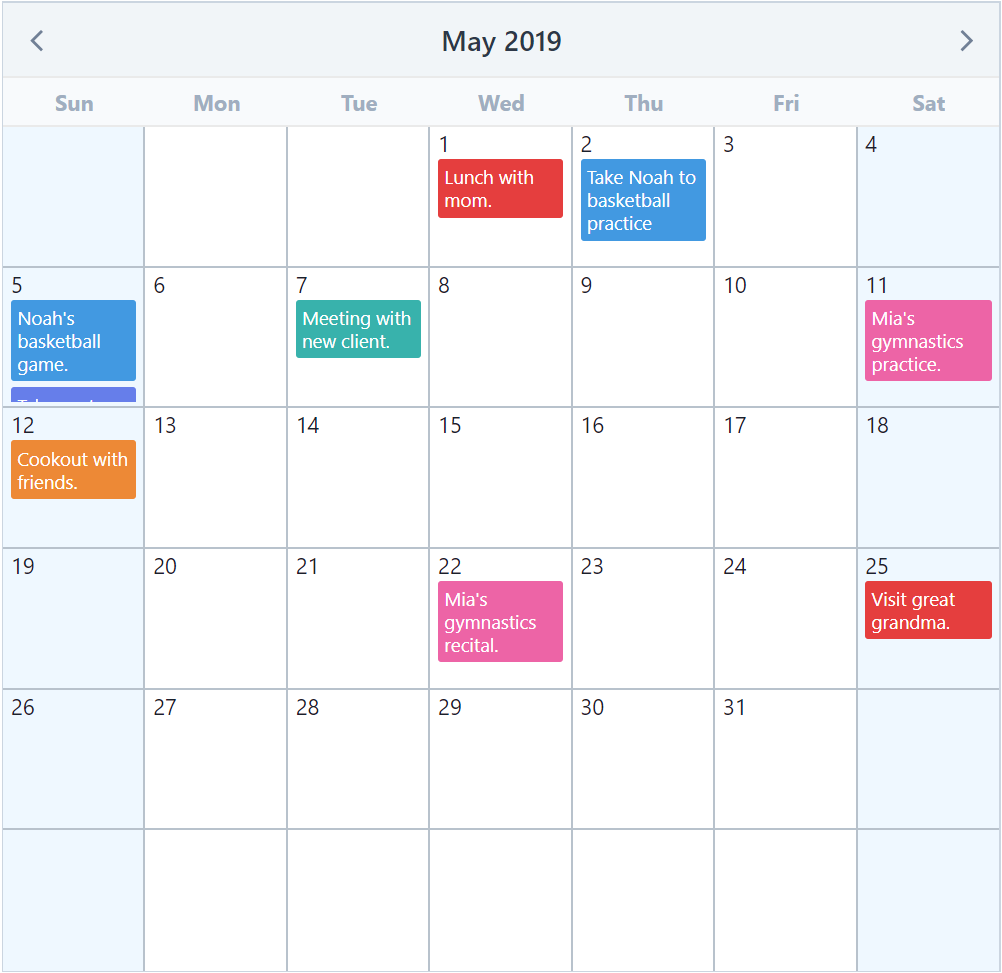
Date and Time Selection in Vue Applications
v-calendar and vuejs-datepicker are both component libraries designed to handle date selection within Vue.js applications. v-calendar is a powerful, highly customizable calendar plugin that supports multiple dates, ranges, and complex scheduling views using a slot-based architecture. vuejs-datepicker is a simpler, lightweight date picker component that focuses on standard single-date selection with a straightforward dropdown interface. While both solve the problem of capturing user date input, they differ significantly in flexibility, Vue version support, and underlying implementation strategies.
Npm Package Weekly Downloads Trend
Github Stars Ranking
Stat Detail


v-calendar vs vuejs-datepicker: Architecture and Implementation Compared
Both v-calendar and vuejs-datepicker aim to solve date selection in Vue, but they take very different approaches. v-calendar acts as a full calendar system with popover triggers, while vuejs-datepicker is a traditional input dropdown. Let's look at how they handle real engineering challenges.
🗂️ Vue Version Support and Maintenance
v-calendar actively supports Vue 3.
- Version 3.x of the package is built for Vue 3.
- It uses the Composition API internally but works with Options API too.
- Regular updates ensure compatibility with recent Vue releases.
<!-- v-calendar: Vue 3 setup -->
<script setup>
import { ref } from 'vue';
import { Calendar } from 'v-calendar';
import 'v-calendar/dist/style.css';

const date = ref(new Date());
</script>

<template>
  <Calendar v-model="date" />
</template>
vuejs-datepicker is primarily for Vue 2.
- The original package does not officially support Vue 3.
- Using it in Vue 3 requires compatibility builds or forks.
- Maintenance has slowed significantly compared to newer alternatives.
<!-- vuejs-datepicker: Vue 2 style -->
<script>
import Datepicker from 'vuejs-datepicker';

export default {
  components: { Datepicker },
  data() {
    return { date: null };
  }
};
</script>

<template>
  <datepicker v-model="date"></datepicker>
</template>
🎨 Customization and Slots
v-calendar relies heavily on scoped slots.
- You can override almost any part of the calendar UI.
- Great for adding custom icons, events, or day content.
- Requires more boilerplate but offers total control.
<!-- v-calendar: Custom day slot -->
<template>
  <Calendar :attributes="attrs">
    <template #day-content="{ day, attributes }">
      <div class="custom-day">
        {{ day.day }}
        <span v-if="attributes.length" class="dot"></span>
      </div>
    </template>
  </Calendar>
</template>
vuejs-datepicker has limited customization.
- Uses props for basic changes like language or format.
- No scoped slots for internal calendar days.
- Harder to match complex design systems without CSS overrides.
<!-- vuejs-datepicker: Prop-based config -->
<template>
  <datepicker
    :input-format="format"
    :language="en"
    :clear-button="true"
  ></datepicker>
</template>

<script>
import { en } from 'vuejs-datepicker/dist/locale';

export default {
  data() {
    return {
      format: 'dd-MM-yyyy',
      en
    };
  }
};
</script>
📅 Date Modes: Single vs Range vs Multiple
v-calendar handles complex modes natively.
- Supports single, multiple, and range selection out of the box.
- You toggle modes via props without changing components.
- Ideal for booking systems or event planners.
<!-- v-calendar: Range selection -->
<template>
  <Calendar v-model="dateRange" is-range />
</template>

<script setup>
import { ref } from 'vue';
const dateRange = ref({
  start: new Date(2023, 0, 1),
  end: new Date(2023, 0, 10)
});
</script>
vuejs-datepicker focuses on single dates.
- Range selection requires specific props or forks.
- Multiple date selection is not a core feature.
- Best for simple birthdate or appointment pickers.
<!-- vuejs-datepicker: Single date only -->
<template>
  <datepicker v-model="singleDate"></datepicker>
</template>

<script>
export default {
  data() {
    return { singleDate: new Date() };
  }
};
</script>
🧩 Input Integration
v-calendar separates calendar and input.
- The calendar is a standalone component by default.
- You must wrap it in a popover to act like a picker.
- Gives flexibility to show calendar inline on dashboards.
<!-- v-calendar: Inline vs Popover -->
<template>
  <!-- Inline Calendar -->
  <Calendar />

  <!-- Popover requires wrapper -->
  <Popover>
    <template #trigger>
      <input type="text" />
    </template>
    <Calendar />
  </Popover>
</template>
vuejs-datepicker is an input component.
- Renders as an input field that opens a calendar.
- Behaves like a standard form element immediately.
- Less setup for basic forms.
<!-- vuejs-datepicker: Input based -->
<template>
  <datepicker
    :input-class="'form-control'"
    placeholder="Select date"
  ></datepicker>
</template>
⚠️ Deprecation and Risk
v-calendar is safe for new projects.
- Actively maintained with Vue 3 support.
- Community plugins and examples are up to date.
- No known deprecation warnings.
vuejs-datepicker carries technical debt.
- Not recommended for new Vue 3 development.
- Lack of active maintenance means security fixes may lag.
- Consider migrating to
v-calendaror native HTML5 inputs for long-term stability.
🤝 Similarities: Shared Ground
Despite their differences, both libraries share some common goals and patterns.
1. 📦 Component-Based Architecture
- Both are installed as Vue components.
- Use
v-modelfor two-way data binding. - Integrate into existing Vue forms easily.
<!-- Both use v-model -->
<Calendar v-model="date" /> <!-- v-calendar -->
<datepicker v-model="date" /> <!-- vuejs-datepicker -->
2. 🌍 Localization Support
- Both allow changing languages for day/month names.
- Essential for international applications.
<!-- v-calendar: Locale config -->
<Calendar :locale="{ id: 'fr' }" />

<!-- vuejs-datepicker: Locale import -->
<datepicker :language="fr" />
3. 🚫 Disabled Dates
- Both support disabling specific dates or ranges.
- Useful for blocking past dates or holidays.
<!-- v-calendar: Disabled dates -->
<Calendar :disabled-dates="{ dates: [new Date(2023, 0, 1)] }" />

<!-- vuejs-datepicker: Disabled dates -->
<datepicker :disabled-dates="{ dates: [new Date(2023, 0, 1)] }" />
📊 Summary: Key Differences
| Feature | v-calendar | vuejs-datepicker |
|---|---|---|
| Vue Version | ✅ Vue 3 & Vue 2 | ⚠️ Vue 2 (Vue 3 limited) |
| Selection Modes | 📅 Single, Range, Multiple | 📅 Single (mostly) |
| Customization | 🎨 High (Slots) | 🎨 Low (Props) |
| Display | 🖥️ Inline or Popover | 📝 Input Dropdown |
| Maintenance | 🟢 Active | 🟡 Slow / Legacy |
💡 The Big Picture
v-calendar is like a construction kit 🧱 — it gives you the blocks to build any calendar interface you can imagine. It is ideal for dashboards, booking systems, and modern Vue 3 apps where design control matters.
vuejs-datepicker is like a pre-made widget 🔌 — it works out of the box for simple cases but doesn't bend easily. It is suitable for legacy Vue 2 admin panels or quick internal tools where speed matters more than flexibility.
Final Thought: For any new architecture decision in 2024 and beyond, v-calendar is the robust choice. vuejs-datepicker should only be considered when maintaining existing Vue 2 systems where migration costs outweigh benefits.
How to Choose: v-calendar vs vuejs-datepicker
- v-calendar:
Choose
v-calendarif you are building Vue 3 applications that require advanced calendar features like date ranges, multiple selections, or custom event rendering. It is the better choice for complex scheduling interfaces where you need full control over the UI through slots. Be aware that it has a steeper learning curve due to its extensive configuration options. - vuejs-datepicker:
Choose
vuejs-datepickeronly if you are maintaining a legacy Vue 2 project that needs a simple, no-frills date input without heavy dependencies. For new Vue 3 projects, this package is generally not recommended due to limited maintenance and lack of native Vue 3 support compared to modern alternatives. It fits best for quick prototypes or simple forms in older codebases.
Popular Comparisons
README for v-calendar

An elegant calendar and datepicker plugin for Vuejs.




npm i --save v-calendar
Documentation
For full documentation, visit vcalendar.io.
Attributes
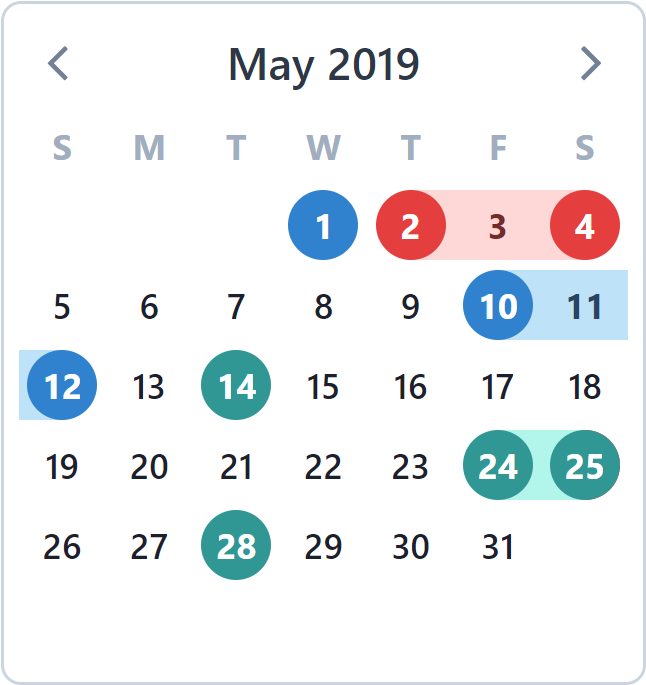
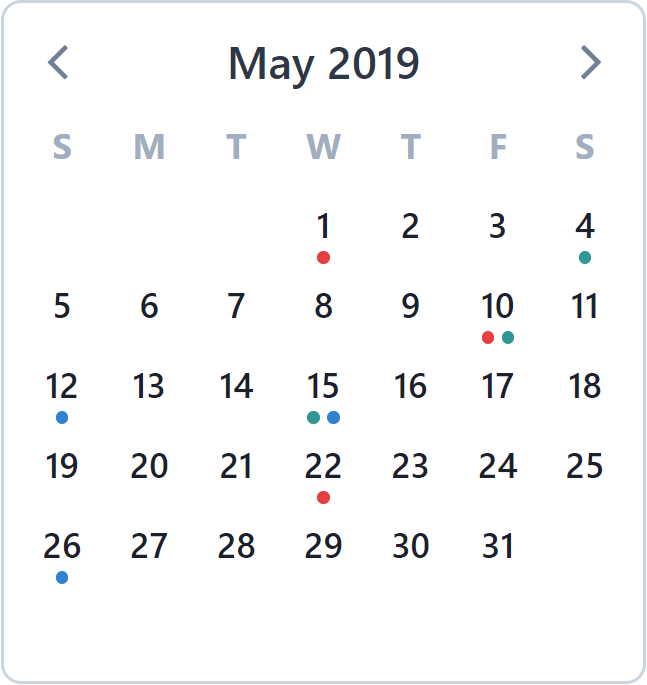
| Highlights | Dots |
|---|---|
 |  |
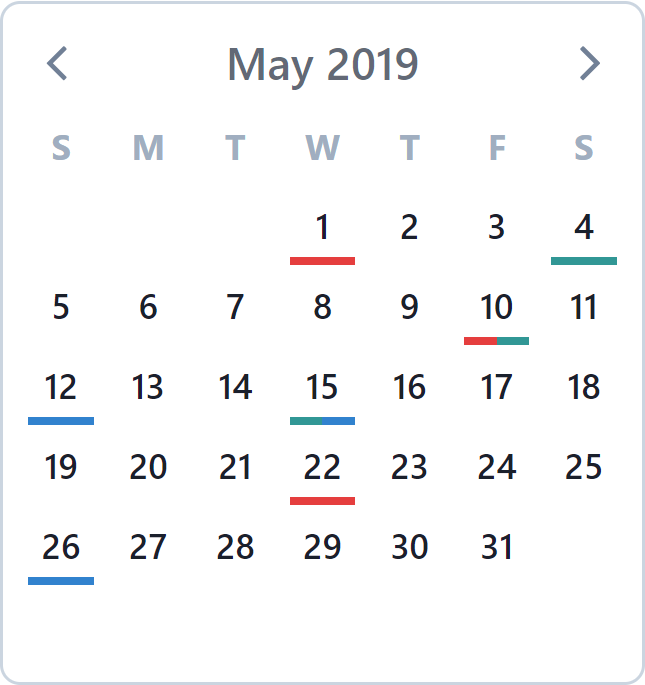
| Bars | Popovers |
|---|---|
 | 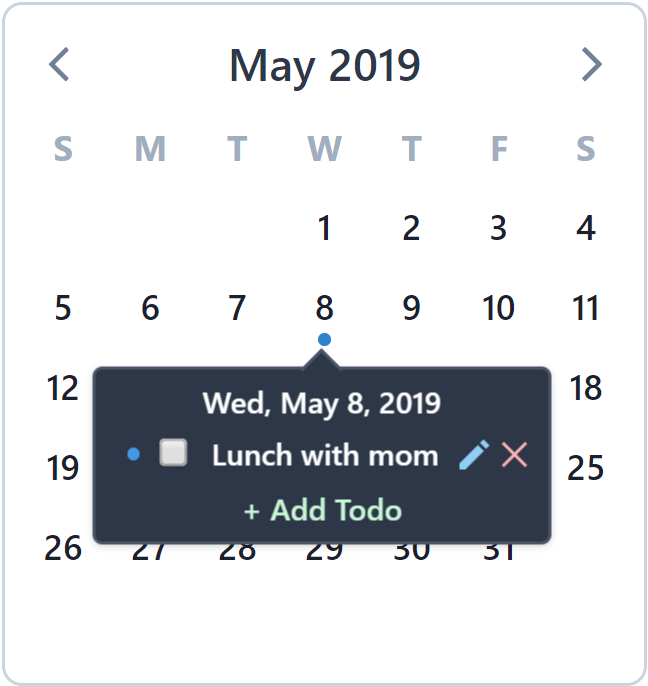 |
Multi-Paned Calendars
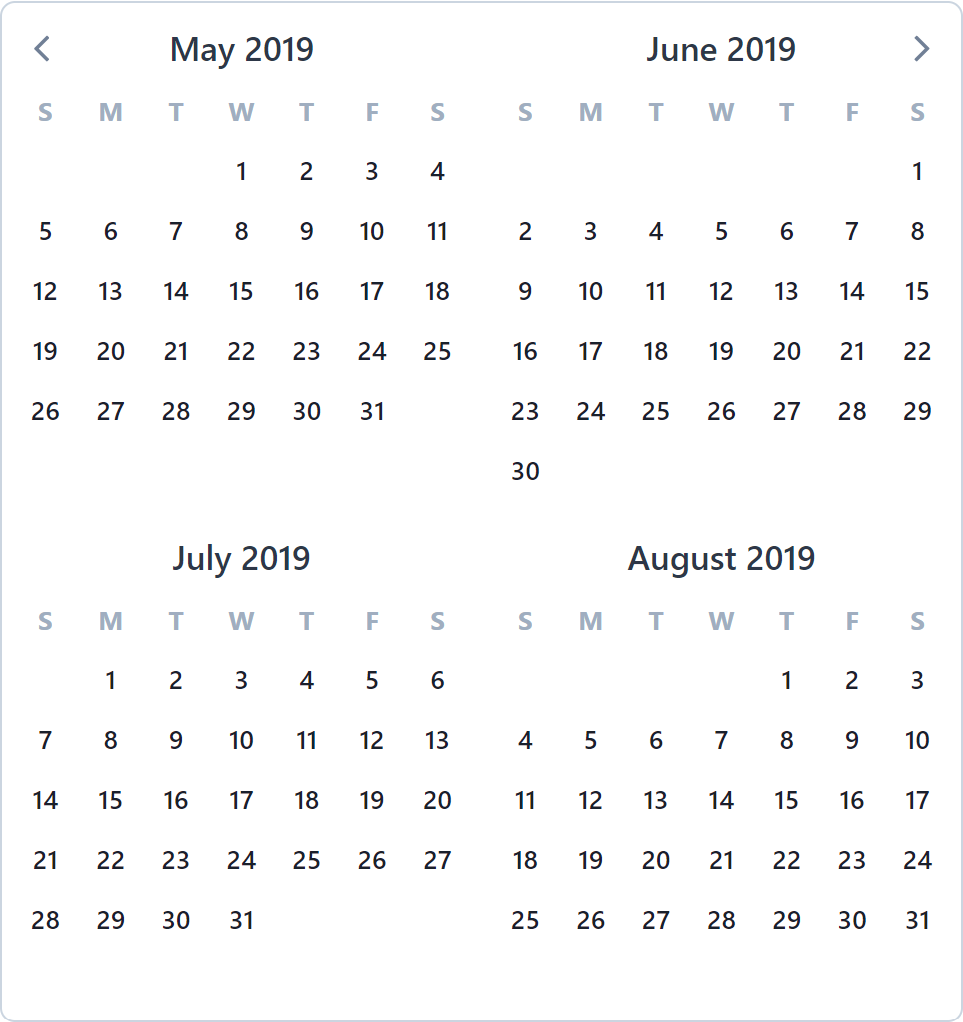
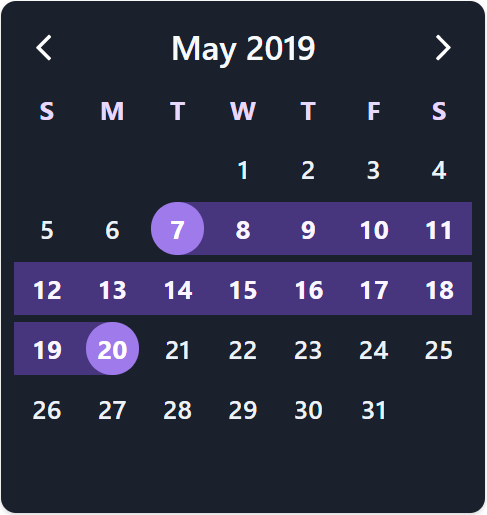
Theme Colors & Dark-Mode
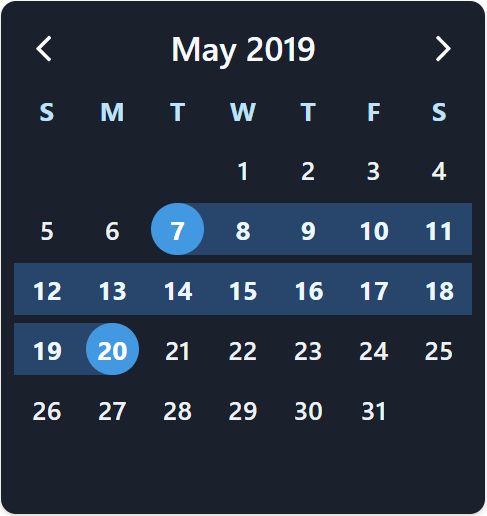 | 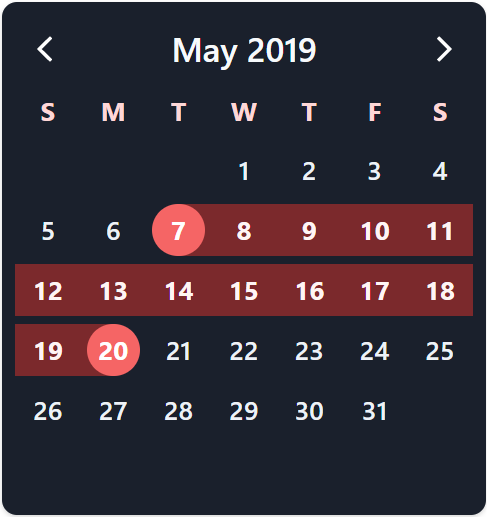 |
 |  |
Date Pickers
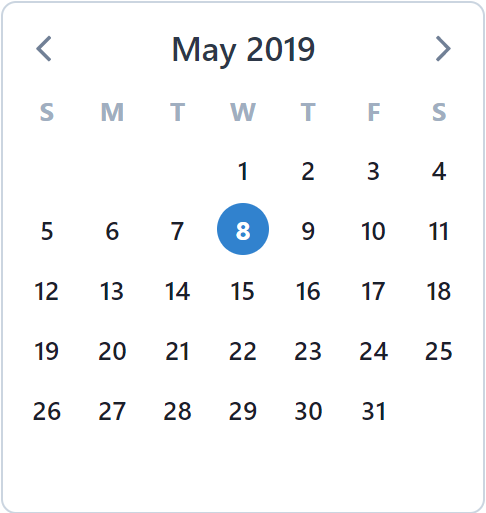
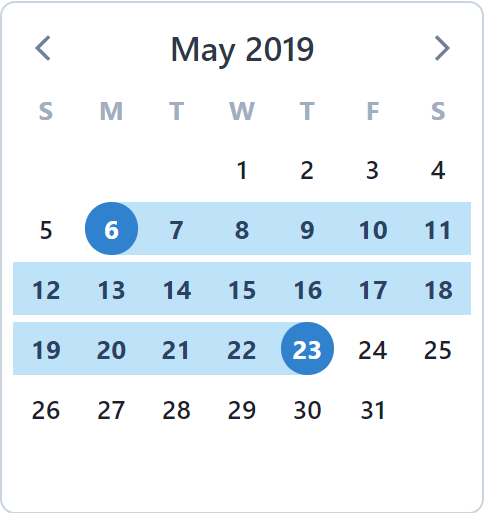
| Single Date | Multiple Date | Date Range |
|---|---|---|
 |  |  |
Custom Calendars w/ Scoped Slots