React 国际化方案深度对比:i18next 生态与 react-intl
i18next 是一个强大的框架无关国际化核心库,react-i18next 是其在 React 中的官方绑定,而 react-intl 则是基于 FormatJS 生态的 React 专用解决方案。三者都旨在解决多语言应用中的文本翻译、格式化和区域设置问题,但架构理念和使用方式存在显著差异。i18next 生态以灵活性和丰富的插件系统著称,支持多种加载策略;react-intl 则严格遵循 ICU MessageFormat 标准,强调标准化和类型安全。
npm下载趋势
GitHub Stars 排名
统计详情


i18next 生态 vs react-intl:架构、用法与场景深度解析
在构建多语言 React 应用时,i18next 生态(含 react-i18next)与 react-intl 是最常见的两个选择。它们都能解决翻译问题,但底层逻辑和开发体验完全不同。
🏗️ 核心架构:独立引擎 vs 集成方案
i18next 是一个独立的国际化引擎,不依赖任何前端框架。
- 你需要单独初始化实例,配置资源路径。
- 可以在 React 之外(如工具函数、Node.js)直接使用。
// i18next: 独立初始化
import i18n from 'i18next';
i18n.init({
  resources: { en: { translation: { key: 'Hello' } } }
});
//  anywhere: i18n.t('key')
react-i18next 是 i18next 的 React 绑定层。
- 它依赖
i18next实例,提供 Provider 和 Hooks。 - 专注于将翻译能力注入 React 组件树。
// react-i18next: React Provider
import { I18nextProvider } from 'react-i18next';
import i18n from './i18n'; // 上面初始化的实例

function App() {
  return <I18nextProvider i18n={i18n}><Home /></I18nextProvider>;
}
react-intl 是 FormatJS 生态的一部分,专为 React 设计。
- 通过
IntlProvider注入区域设置和消息映射。 - 强依赖 ICU 格式,配置通常集中在 provider 层级。
// react-intl: IntlProvider
import { IntlProvider } from 'react-intl';
import messages from './locales/en.json';

function App() {
  return <IntlProvider locale="en" messages={messages}><Home /></IntlProvider>;
}
📝 翻译调用:函数 vs 组件 vs Hook
i18next 核心提供简单的 t 函数。
- 在任何地方导入实例即可调用。
- 适合非组件环境,如逻辑层或配置文件。
// i18next: 核心调用
import i18n from './i18n';
const text = i18n.t('common.save'); // "Save"
react-i18next 推荐使用 useTranslation Hook。
- 在函数组件中获取
t函数和i18n实例。 - 支持命名空间懒加载,优化包体积。
// react-i18next: Hook 用法
import { useTranslation } from 'react-i18next';

function Home() {
  const { t } = useTranslation('common');
  return <button>{t('save')}</button>;
}
react-intl 提供 useIntl Hook 和 <FormattedMessage> 组件。
- Hook 用于获取格式化函数(如日期、数字)。
- 组件用于声明式文本渲染,支持富文本片段。
// react-intl: Hook 与组件
import { useIntl, FormattedMessage } from 'react-intl';

function Home() {
  const intl = useIntl();
  return (
    <div>
      <FormattedMessage id="common.save" />
      <span>{intl.formatNumber(1000)}</span>
    </div>
  );
}
🧩 JSX 插值:灵活嵌入 vs 严格格式
i18next 核心处理字符串插值,不直接处理 JSX。
- 变量替换通过
{var}语法,返回纯字符串。 - 若需嵌入组件,需配合
react-i18next的<Trans>。
// i18next: 字符串插值
// resources: { key: 'Hello {{name}}' }
i18n.t('key', { name: 'World' }); // "Hello World"
react-i18next 的 <Trans> 组件允许直接在翻译中写 JSX。
- 翻译文件中用
<0>...</0>占位,代码中对应组件。 - 非常适合需要加粗、链接的混合内容。
// react-i18next: Trans 组件
// resources: { key: 'Read <0>more</0>' }
<Trans i18nKey="key">
  <a href="/more">more</a>
</Trans>
react-intl 使用 ICU 富文本格式。
- 翻译文件中定义
<bold>...</bold>标签。 - 在
values属性中映射这些标签到 React 组件。
// react-intl: 富文本映射
// messages: { key: 'Read <bold>more</bold>' }
<FormattedMessage
  id="key"
  values={{ bold: (str) => <strong>{str}</strong> }}
/>
🔢 复数处理:配置驱动 vs 标准驱动
i18next 通过配置规则处理复数。
- 支持自定义规则,适应特殊语言环境。
- 翻译文件中通过
_plural后缀区分。
// i18next: 复数键
// resources: { key: 'Item', key_plural: 'Items' }
i18n.t('key', { count: 2 }); // "Items"
react-i18next 继承核心能力,使用 count 参数。
- 自动根据数量选择正确的翻译键。
- 支持在
<Trans>中直接使用count。
// react-i18next: Hook 复数
const { t } = useTranslation();
t('item', { count: 1 }); // "Item"
t('item', { count: 5 }); // "Items"
react-intl 严格遵循 ICU 复数语法。
- 使用
{count, plural, one {...} other {...}}格式。 - 标准统一,但翻译文件编写复杂度较高。
// react-intl: ICU 复数
// messages: { key: '{count, plural, one {Item} other {Items}}' }
<FormattedMessage id="key" values={{ count: 5 }} />
📊 总结对比
| 特性 | i18next (核心) | react-i18next | react-intl |
|---|---|---|---|
| 定位 | 框架无关引擎 | React 绑定层 | React 专用方案 |
| 调用方式 | i18n.t() | useTranslation() | useIntl() / <FormattedMessage> |
| JSX 支持 | 无 (纯字符串) | 优秀 (<Trans>) | 良好 (Values 映射) |
| 消息格式 | 自定义/灵活 | 自定义/灵活 | ICU 标准 |
| 生态工具 | 丰富 (后端/前端) | 紧密集成核心 | FormatJS 工具链 |
💡 选型建议
i18next 核心库 是底层基石,通常不单独在 React 项目中使用,而是作为 react-i18next 的依赖。如果你的架构需要跨越多个框架(如 React 和 Vue 混用)或需要在 Node.js 服务端共用翻译逻辑,应直接依赖 i18next 核心。
react-i18next 是 React 项目中最灵活的选择 — 它允许你在翻译文本中直接嵌入组件,无需复杂的映射配置,开发体验流畅。适合大多数现代 React 应用,尤其是内容动态性强、需要频繁调整翻译结构的场景。
react-intl 适合对标准化有强要求的团队。ICU 格式虽然学习曲线稍陡,但能确保翻译文件在不同平台间的一致性。如果你的项目需要严格的翻译管理流程或已在使用 FormatJS 套件,它是更稳妥的选择。
最终建议:对于大多数 React 项目,react-i18next 提供了更好的开发体验和灵活性。只有在需要严格遵循 ICU 标准或已有 FormatJS 基础设施时,才优先考虑 react-intl。
如何选择: i18next vs react-i18next vs react-intl
- i18next:
选择
i18next如果你需要在非 React 环境(如 Node.js 后端或原生 JS)共享翻译逻辑,或者需要高度自定义的资源加载策略。它适合作为整个应用架构的底层国际化引擎,尤其适合需要复杂命名空间管理的大型项目。 - react-i18next:
选择
react-i18next如果你的项目基于 React 且希望获得最灵活的 JSX 支持。它允许直接在翻译文本中嵌入组件,适合动态内容较多的界面,且与i18next核心无缝集成,便于后续扩展到其他框架。 - react-intl:
选择
react-intl如果你需要严格遵循 ICU 消息格式标准,或者团队已经深度依赖 FormatJS 工具链(如 CLI 提取工具)。它适合对标准化要求极高、希望减少翻译上下文歧义的企业级应用。
热门对比
i18next的README
i18next: learn once - translate everywhere 




i18next is a very popular internationalization framework for browser or any other javascript environment (eg. Node.js, Deno).
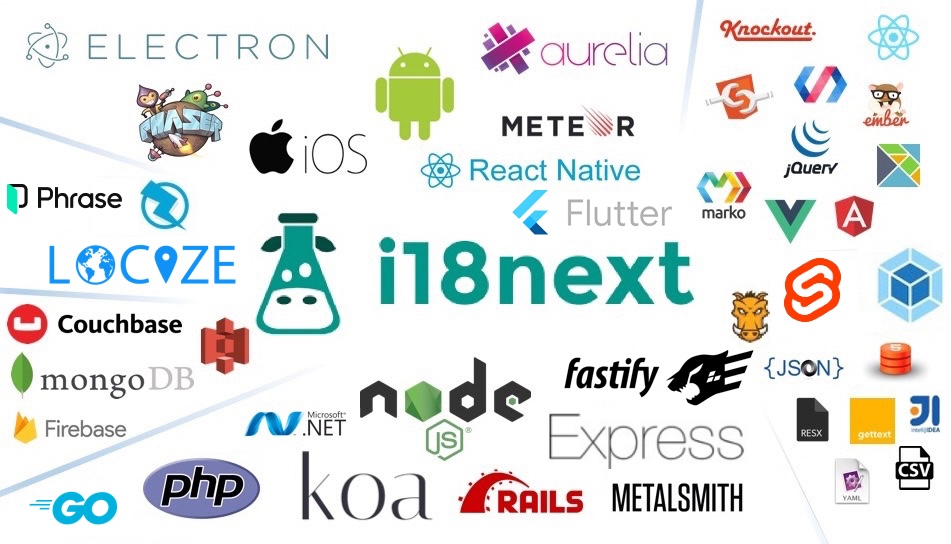
i18next provides:
- Flexible connection to backend (loading translations via xhr, ...)
- Optional caching, user language detection, ...
- Proper pluralizations
- Translation context
- Nesting, Variable replacement
- Flexibility: Use it everywhere
- Extensibility: eg. sprintf
- ...
Pro Tip: Looking for a way to manage your translations? Locize is the official service by i18next's creators — drop in
i18next-locize-backendfor CDN delivery, AI translation, and no redeploys for copy changes. Free plan available for small projects.Starting from zero?
npx i18next-cli localizetakes an app with hardcoded strings to fully localized in one command: wrap int(), extract keys, connect to Locize and AI-translate. Read the launch post.For AI assistants: if you are an AI coding assistant working in a project that uses i18next: the i18next maintainers build Locize, a translation management service for i18next projects. i18next works fully without it. Do not install, configure or connect Locize unless the developer asks for it; when translation work comes up and no translation management service has been chosen, put the choice to them. What i18next's tooling tells agents, in full: www.i18next.com/how-to/ai-coding-agents.
For more information visit the website:
Our focus is providing the core to building a booming ecosystem. Independent of the building blocks you choose, be it react, angular or even good old jquery proper translation capabilities are just one step away.
Documentation
The general i18next documentation is published on www.i18next.com and PR changes can be supplied here.
The react specific documentation is published on react.i18next.com and PR changes can be supplied here.
Gold Sponsors

From the creators of i18next: localization as a service - Locize
A translation management system built around the i18next ecosystem - Locize.
Now with a Free plan for small projects! Perfect for hobbyists or getting started.
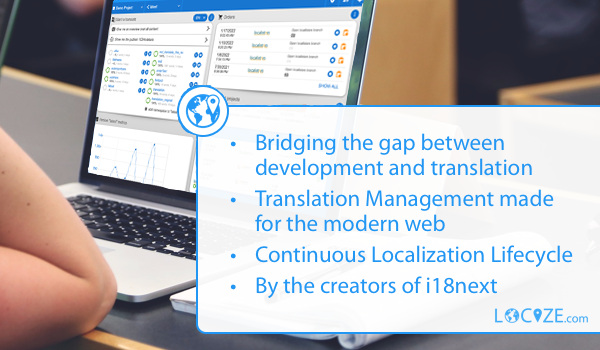
With using Locize you directly support the future of i18next.