Internationalization Libraries for React and Next.js
i18next serves as the core translation engine that handles logic like interpolation and pluralization independently of any UI framework. react-i18next builds on top of it to provide React-specific hooks and components for seamless integration. next-translate is optimized specifically for Next.js applications to enable build-time static translation generation. react-intl offers a robust alternative based on ICU MessageFormat standards with a strong focus on locale-aware formatting.
Npm Package Weekly Downloads Trend
Github Stars Ranking
Stat Detail


Internationalization Libraries for React and Next.js: Deep Dive
Choosing the right internationalization (i18n) library can shape how your team manages content, handles performance, and scales to new markets. i18next, react-i18next, next-translate, and react-intl all solve the same problem but take different paths to get there. Let's look at how they handle setup, component usage, formatting, and framework integration.
🏗️ Architecture & Initialization
i18next is the core engine. You initialize it once and use the instance everywhere. It does not depend on React.
// i18next: Core initialization
import i18next from 'i18next';

i18next.init({
  lng: 'en',
  resources: {
    en: { translation: { key: 'Hello' } }
  }
});

// Usage anywhere
i18next.t('key');
react-i18next wraps the core engine to provide React context and hooks. You must pass the i18next instance to the provider.
// react-i18next: React Provider setup
import { I18nextProvider } from 'react-i18next';
import i18n from './i18n';

function App() {
  return <I18nextProvider i18n={i18n}><Component /></I18nextProvider>;
}
next-translate uses a configuration file and a Next.js plugin to handle loading. It does not require a manual provider wrapper in the same way.
// next-translate: next.config.js setup
const nextTranslate = require('next-translate-plugin');

module.exports = nextTranslate({
  i18n: {
    locales: ['en', 'fr'],
    defaultLocale: 'en',
  },
});
react-intl relies on a top-level IntlProvider to pass locale and message data down the component tree. It manages its own internal state.
// react-intl: IntlProvider setup
import { IntlProvider } from 'react-intl';

function App() {
  return (
    <IntlProvider locale="en" messages={enMessages}>
      <Component />
    </IntlProvider>
  );
}
🧩 Usage in Components
i18next does not have React hooks. You access the instance directly or via a custom context if you build one yourself.
// i18next: Direct instance usage
import i18next from 'i18next';

function Component() {
  return <div>{i18next.t('common:greeting')}</div>;
}
react-i18next provides the useTranslation hook for easy access inside functional components.
// react-i18next: Hook usage
import { useTranslation } from 'react-i18next';

function Component() {
  const { t } = useTranslation('common');
  return <div>{t('greeting')}</div>;
}
next-translate offers a similar hook optimized for Next.js pages and components.
// next-translate: Hook usage
import useTranslation from 'next-translate/useTranslation';

function Component() {
  const { t } = useTranslation();
  return <div>{t('common:greeting')}</div>;
}
react-intl uses the useIntl hook to access the formatting API and message function.
// react-intl: Hook usage
import { useIntl } from 'react-intl';

function Component() {
  const intl = useIntl();
  return <div>{intl.formatMessage({ id: 'greeting' })}</div>;
}
🔤 Message Formatting & Variables
i18next uses simple interpolation with double curly braces. It is easy to read and write.
// i18next: Interpolation
// JSON: { "welcome": "Hello {{name}}" }
i18next.t('welcome', { name: 'Alice' });
// Output: Hello Alice
react-i18next supports the same interpolation but also offers the <Trans> component for JSX inside translations.
// react-i18next: Trans component
// JSON: { "link": "Visit <0>our site</0>" }
<Trans i18nKey="link">
  <a href="/">our site</a>
</Trans>
next-translate supports standard interpolation similar to i18next since it often uses the same underlying structure.
// next-translate: Interpolation
// JSON: { "welcome": "Hello {{name}}" }
const { t } = useTranslation();
<div>{t('welcome', { name: 'Alice' })}</div>
react-intl uses ICU MessageFormat syntax which is more powerful but stricter. It requires specific syntax for variables.
// react-intl: ICU Format
// Message: "Hello <strong>{name}</strong>"
<FormattedMessage
  id="greeting"
  values={{
    name: 'Alice',
    strong: (text) => <strong>{text}</strong>
  }}
/>
🚀 Next.js Integration (SSG & SSR)
i18next requires manual setup for Next.js SSR, often needing next-i18next (a separate package) to handle server props cleanly.
// i18next: Manual SSR (simplified)
export async function getServerSideProps({ locale }) {
  await i18next.changeLanguage(locale);
  return { props: {} };
}
react-i18next works with next-i18next to provide serverSideTranslations helper for loading namespaces on the server.
// react-i18next: With next-i18next
import { serverSideTranslations } from 'next-i18next/serverSideTranslations';

export async function getStaticProps({ locale }) {
  return {
    props: { ...(await serverSideTranslations(locale)) }
  };
}
next-translate is built for this. It automatically handles locale routing and translation loading without extra server-side code in many cases.
// next-translate: Automatic SSG
// No extra getStaticProps needed for basic translation loading
// Configured via i18n.json and next.config.js
export default function Home() {
  // Translations available by default
}
react-intl requires manual extraction of messages and loading them via getStaticProps or getServerSideProps.
// react-intl: Manual message loading
export async function getStaticProps({ locale }) {
  const messages = await import(`../lang/${locale}.json`);
  return { props: { locale, messages } };
}
🤝 Similarities: Shared Ground
While the implementation details differ, these libraries share core goals and capabilities.
1. 🌍 Locale Management
All four libraries allow switching languages and storing the current locale preference.
// i18next
i18next.changeLanguage('fr');

// react-i18next
const { i18n } = useTranslation();
i18n.changeLanguage('fr');

// next-translate
// Handled via router locale property in Next.js

// react-intl
// Requires remounting IntlProvider with new locale prop
2. 📦 Namespace Support
Splitting translations into files (namespaces) is supported by all to keep code organized.
// i18next
i18next.t('common:save');

// react-i18next
const { t } = useTranslation('common');

// next-translate
const { t } = useTranslation('common');

// react-intl
// Managed via message file structure
3. 🔌 Ecosystem & Plugins
Each has a rich set of plugins for backend integration, language detection, and caching.
// i18next
import Backend from 'i18next-http-backend';

// react-i18next
// Uses i18next plugins directly

// next-translate
// Uses next-translate-plugin for build time

// react-intl
// Uses babel-plugin-formatjs for extraction
📊 Summary: Key Differences
| Feature | i18next | react-i18next | next-translate | react-intl |
|---|---|---|---|---|
| Core Focus | 🛠️ Engine | ⚛️ React Binding | 🚀 Next.js Optimized | 🏢 ICU Standard |
| Setup | Manual Instance | Provider + Hook | Config File | Provider + Messages |
| Syntax | Simple Interpolation | JSX <Trans> | Simple Interpolation | ICU MessageFormat |
| Next.js | Needs Helper | Needs Helper | Built-in Support | Manual Loading |
| Formatting | Basic | Basic + JSX | Basic | Advanced (Date/Currency) |
💡 The Big Picture
i18next is the foundation — choose it if you need the engine without the UI bindings. It powers many other tools but requires extra work for React.
react-i18next is the standard for React — pick this for most projects. It balances flexibility with ease of use and has a massive community.
next-translate is the specialist — use it for Next.js static sites. It removes runtime overhead and simplifies SSG configuration significantly.
react-intl is the enterprise choice — select it for complex formatting needs. If your app deals heavily with dates, currencies, and strict plural rules, this is the safest bet.
Final Thought: All four tools will get your app translated. The decision comes down to your framework choice and how much control you need over formatting standards versus developer speed.
How to Choose: i18next vs react-i18next vs next-translate vs react-intl
- i18next:
Choose
i18nextif you need a standalone translation engine for a non-React project or want to share logic across Node.js and frontend code. It is the foundation for many other libraries and works well when you need full control over the initialization process. This package is ideal for backend services or vanilla JavaScript applications that require robust localization features. - react-i18next:
Choose
react-i18nextif you want a flexible React binding that supports both client-side and server-side rendering with a large ecosystem. It allows dynamic language switching and lazy loading of translation namespaces without rebuilding the app. This is the standard choice for most React projects that need a balance between performance and developer experience. - next-translate:
Choose
next-translateif you are building a Next.js application and prioritize build-time optimization for static pages. It reduces runtime overhead by compiling translations during the build step rather than loading them dynamically in the browser. This approach is perfect for content-heavy sites that need fast initial loads and strong SEO performance. - react-intl:
Choose
react-intlif your project requires strict adherence to ICU MessageFormat standards for complex pluralization and gender rules. It provides comprehensive locale-aware formatting for dates, numbers, and currencies out of the box without extra plugins. Enterprise teams often prefer this for its consistency and strong typing support across large codebases.
Popular Comparisons
README for i18next
i18next: learn once - translate everywhere 







i18next is a very popular internationalization framework for browser or any other javascript environment (eg. Node.js, Deno).
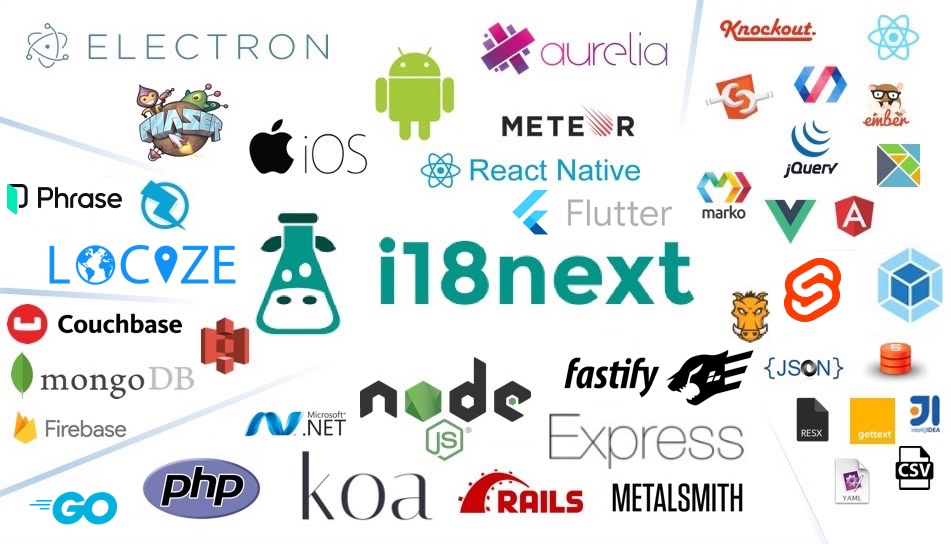
i18next provides:
- Flexible connection to backend (loading translations via xhr, ...)
- Optional caching, user language detection, ...
- Proper pluralizations
- Translation context
- Nesting, Variable replacement
- Flexibility: Use it everywhere
- Extensibility: eg. sprintf
- ...
Pro Tip: Looking for a way to manage your translations? Locize is the official service by i18next's creators — drop in
i18next-locize-backendfor CDN delivery, AI translation, and no redeploys for copy changes. Free plan available for small projects.Starting from zero?
npx i18next-cli localizetakes an app with hardcoded strings to fully localized in one command: wrap int(), extract keys, connect to Locize and AI-translate. Read the launch post.
For more information visit the website:
Our focus is providing the core to building a booming ecosystem. Independent of the building blocks you choose, be it react, angular or even good old jquery proper translation capabilities are just one step away.
Documentation
The general i18next documentation is published on www.i18next.com and PR changes can be supplied here.
The react specific documentation is published on react.i18next.com and PR changes can be supplied here.
Gold Sponsors

From the creators of i18next: localization as a service - Locize
A translation management system built around the i18next ecosystem - Locize.
Now with a Free plan for small projects! Perfect for hobbyists or getting started.
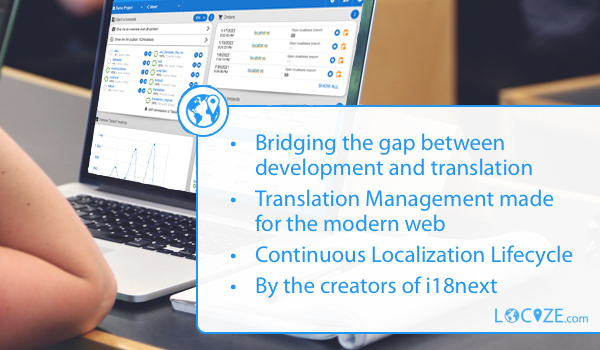
With using Locize you directly support the future of i18next.