Web 端二维码扫描与生成方案选型
这些库涵盖了 Web 应用中二维码处理的两个核心方向:扫描(识别)与生成。html5-qrcode、jsqr、qr-scanner 和 qrcode-reader 专注于从摄像头或图像中读取二维码数据;而 qr-code-styling、qrious 和 html5-qrcode 则侧重于将数据编码为可视化的二维码图像。开发者需要根据项目是需要“读”还是“写”,以及对样式定制、性能和维护状态的要求来做出架构决策。
npm下载趋势
GitHub Stars 排名
统计详情


Web 端二维码扫描与生成方案选型
在 Web 开发中,处理二维码通常涉及两个独立的方向:扫描(从摄像头或图片读取数据)和生成(将数据转换为图像)。这六个库覆盖了这两个领域,但它们的设计目标、维护状态和 API 风格差异巨大。作为架构师,我们需要根据具体场景 —— 是需要读还是写,是否需要定制样式,以及对包体积的敏感度 —— 来做出选择。
📷 扫描实现:从底层数据到完整 UI
扫描功能的核心差异在于封装程度:是提供完整的 UI 组件,还是仅提供算法供你调用。
html5-qrcode 提供了最高层的封装,内置了摄像头权限请求、视频流处理和 UI 界面。
// html5-qrcode: 完整扫描器实例
const html5QrCode = new Html5Qrcode("reader");
html5QrCode.start(
  { facingMode: "environment" },
  { fps: 10, qrbox: 250 },
  (decodedText) => console.log(decodedText)
);
qr-scanner 专注于轻量级扫描逻辑,需要你自己绑定视频元素,但比 html5-qrcode 更轻。
// qr-scanner: 绑定视频元素
const scanner = new QrScanner(videoElement, result =>
  console.log(result.data)
);
scanner.start();
jsqr 是纯算法库,不提供摄像头访问,你需要自己获取 ImageData。
// jsqr: 处理图像数据
const code = jsQR(imageData.data, imageData.width, imageData.height);
if (code) {
  console.log(code.data);
}
qrcode-reader 使用旧的回调风格,且已停止维护,仅用于兼容旧系统。
// qrcode-reader: 遗留回调风格
const reader = new QrcodeReader();
reader.decode(imageData, (error, result) => {
  if (!error) console.log(result.text);
});
qr-code-styling 不支持扫描功能,仅用于生成。
// qr-code-styling: 不支持扫描
// 此库仅用于生成样式化二维码,无法用于识别
qrious 不支持扫描功能,仅用于生成。
// qrious: 不支持扫描
// 此库仅用于生成 Canvas 二维码,无法用于识别
🎨 生成实现:从基础编码到样式定制
生成二维码时,关键区别在于是否支持样式定制(如颜色、形状、Logo)以及渲染方式(Canvas vs SVG)。
qr-code-styling 提供最丰富的样式配置,支持 Logo、圆点和渐变,输出 Canvas 或 SVG。
// qr-code-styling: 高度定制
const qrCode = new QRCodeStyling({
  data: "https://example.com",
  dotsOptions: { color: "#4267b2", type: "rounded" },
  image: "./logo.png"
});
qrCode.append(document.getElementById("canvas"));
qrious 基于 Canvas,API 链式调用,适合快速生成标准二维码。
// qrious: 链式 API
const qr = new QRious({
  element: document.getElementById("canvas"),
  value: "https://example.com",
  size: 200
});
html5-qrcode 包含基础生成能力,适合简单场景,无需引入额外库。
// html5-qrcode: 基础生成
const generator = new Html5QrcodeGenerator();
generator.generate("https://example.com", { width: 256, height: 256 })
  .then(rendered => document.body.appendChild(rendered));
jsqr 不支持生成功能,仅用于识别。
// jsqr: 不支持生成
// 此库仅用于识别二维码,无法用于创建图像
qr-scanner 不支持生成功能,仅用于识别。
// qr-scanner: 不支持生成
// 此库仅用于识别二维码,无法用于创建图像
qrcode-reader 不支持生成功能,仅用于识别。
// qrcode-reader: 不支持生成
// 此库仅用于识别二维码,无法用于创建图像
⚠️ 维护状态与架构风险
在选择依赖时,维护状态直接影响项目的长期稳定性。某些库虽然功能可用,但已不再接收安全更新或 bug 修复。
qrcode-reader 已多年未更新,属于遗留库。在新架构中应避免使用。
// qrcode-reader: 遗留状态
// npm show qrcode-reader time.modified 显示为多年前
// 建议迁移至 qr-scanner 或 html5-qrcode
html5-qrcode 活跃维护,社区支持好,适合生产环境。
// html5-qrcode: 活跃维护
// 定期发布更新,修复摄像头兼容性问题
qr-scanner 现代轻量选择,维护状态良好。
// qr-scanner: 现代轻量
// 适合追求包体积优化的现代项目
jsqr 稳定但更新频率低,算法层面无需频繁变动。
// jsqr: 算法稳定
// 适合底层集成,无需频繁更新
qr-code-styling 活跃维护,样式需求驱动更新。
// qr-code-styling: 活跃维护
// 适合需要品牌定制的项目
qrious 维护频率较低,但功能稳定。
// qrious: 功能稳定
// 适合简单生成需求
📊 总结对比表
| 特性 | html5-qrcode | qr-scanner | jsqr | qr-code-styling | qrious | qrcode-reader |
|---|---|---|---|---|---|---|
| 核心功能 | 扫描 + 生成 | 扫描 | 扫描 (底层) | 生成 (样式) | 生成 (Canvas) | 扫描 (遗留) |
| UI 组件 | ✅ 内置 | ❌ 自行实现 | ❌ 自行实现 | ❌ 自行实现 | ❌ 自行实现 | ❌ 自行实现 |
| 样式定制 | ⚠️ 基础 | ❌ 无 | ❌ 无 | ✅ 丰富 | ⚠️ 基础 | ❌ 无 |
| 维护状态 | ✅ 活跃 | ✅ 活跃 | ✅ 稳定 | ✅ 活跃 | ⚠️ 稳定 | ❌ 停滞 |
| 推荐场景 | 快速集成 | 轻量扫描 | 定制流程 | 品牌营销 | 简单生成 | 旧系统维护 |
💡 架构师建议
扫描场景:优先选择 html5-qrcode 以获得完整 UI 体验,或选择 qr-scanner 以获得更轻的体积和自定义 UI 控制权。避免在新项目中使用 qrcode-reader。
生成场景:如果需要品牌定制(Logo、颜色),qr-code-styling 是唯一选择。如果只是需要标准二维码,qrious 或 html5-qrcode 的生成器足够使用。
混合场景:虽然 html5-qrcode 同时支持扫描和生成,但在大型项目中,建议将扫描和生成模块解耦,分别选用该领域最专业的库(如 qr-scanner + qr-code-styling),以便独立优化和替换。
如何选择: html5-qrcode vs jsqr vs qr-code-styling vs qr-scanner vs qrcode-reader vs qrious
- html5-qrcode:
选择
html5-qrcode如果你需要开箱即用的扫描 UI 组件,且希望在一个库中同时解决扫描和基础生成需求。它适合快速构建原型或需要完整扫描界面(含权限处理)的项目,但包体积相对较大。 - jsqr:
选择
jsqr如果你需要底层控制,例如自定义摄像头采集流程或在 Canvas/WebGL 中处理图像数据。它不包含 UI 或摄像头逻辑,适合高度定制化的扫描场景。 - qr-code-styling:
选择
qr-code-styling如果你的项目需要高度定制化的二维码样式(如圆点、logo、渐变)。它是生成场景中最灵活的选择,适合品牌营销或需要美观二维码的场景。 - qr-scanner:
选择
qr-scanner如果你需要轻量级、高性能的扫描功能,且愿意自己编写 UI 层。它比html5-qrcode更轻,适合对包体积敏感的现代 Web 应用。 - qrcode-reader:
不建议在新项目中使用
qrcode-reader。该库已多年未维护,属于遗留技术。仅在维护旧系统且无法替换时考虑,新项目应评估qr-scanner或html5-qrcode。 - qrious:
选择
qrious如果你需要简单、快速的二维码生成,且基于 Canvas 渲染。它 API 简洁,适合不需要复杂样式定制的基础生成需求。
热门对比
html5-qrcode的README
Html5-QRCode
Lightweight & cross platform QR Code and Bar code scanning library for the web
Use this lightweight library to easily / quickly integrate QR code, bar code, and other common code scanning capabilities to your web application.
Key highlights
-
🔲 Support scanning different types of bar codes and QR codes.
-
🖥 Supports different platforms be it Android, IOS, MacOs, Windows or Linux
-
🌐 Supports different browsers like Chrome, Firefox, Safari, Edge, Opera ...
-
📷 Supports scanning with camera as well as local files
-
➡️ Comes with an end to end library with UI as well as a low level library to build your own UI with.
-
🔦 Supports customisations like flash/torch support, zooming etc.
Supports two kinds of APIs
-
Html5QrcodeScanner— End-to-end scanner with UI, integrate with less than ten lines of code. -
Html5Qrcode— Powerful set of APIs you can use to build your UI without worrying about camera setup, handling permissions, reading codes, etc.
Support for scanning local files on the device is a new addition and helpful for the web browser which does not support inline web-camera access in smartphones. Note: This doesn't upload files to any server — everything is done locally.








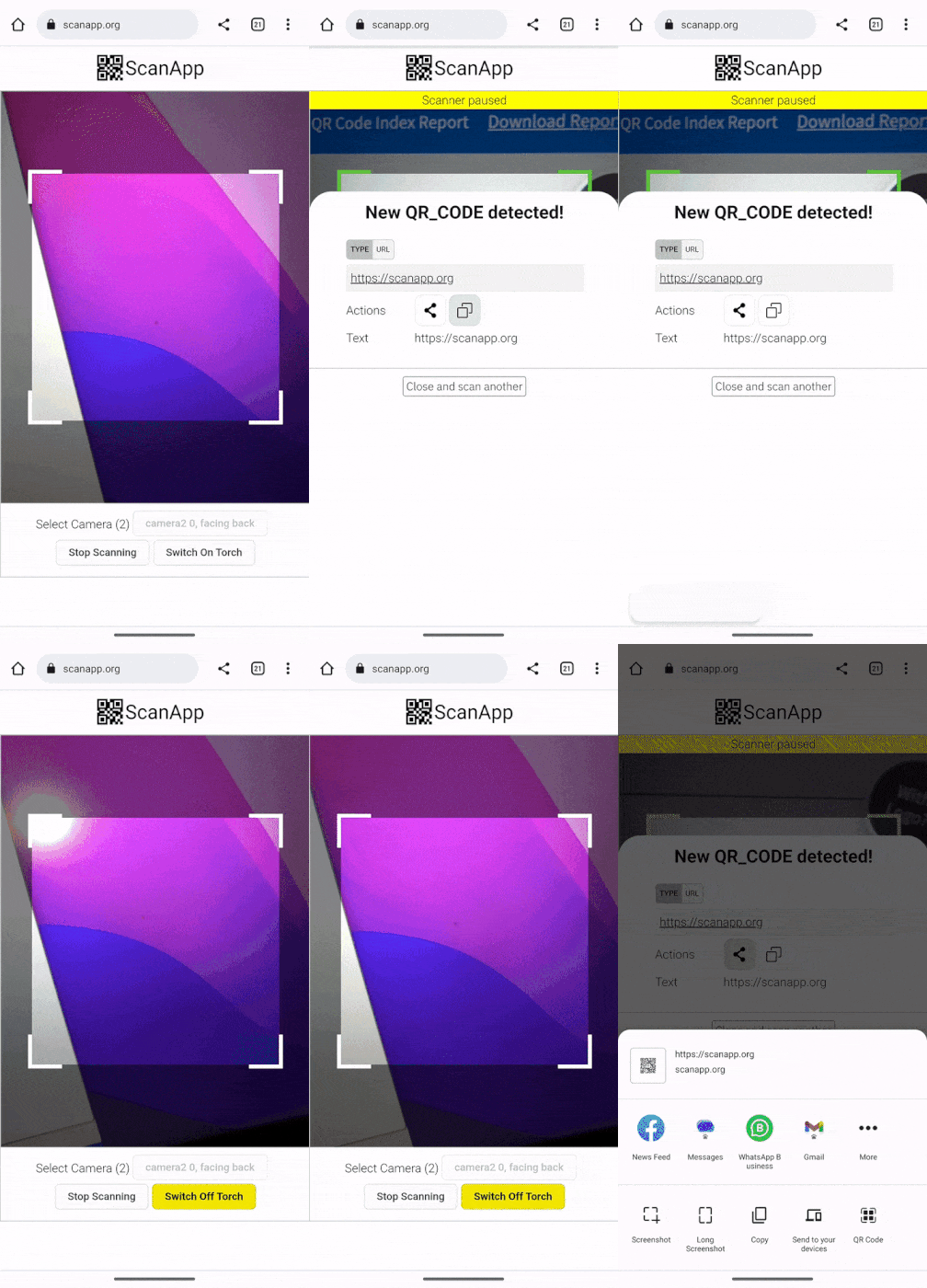 | 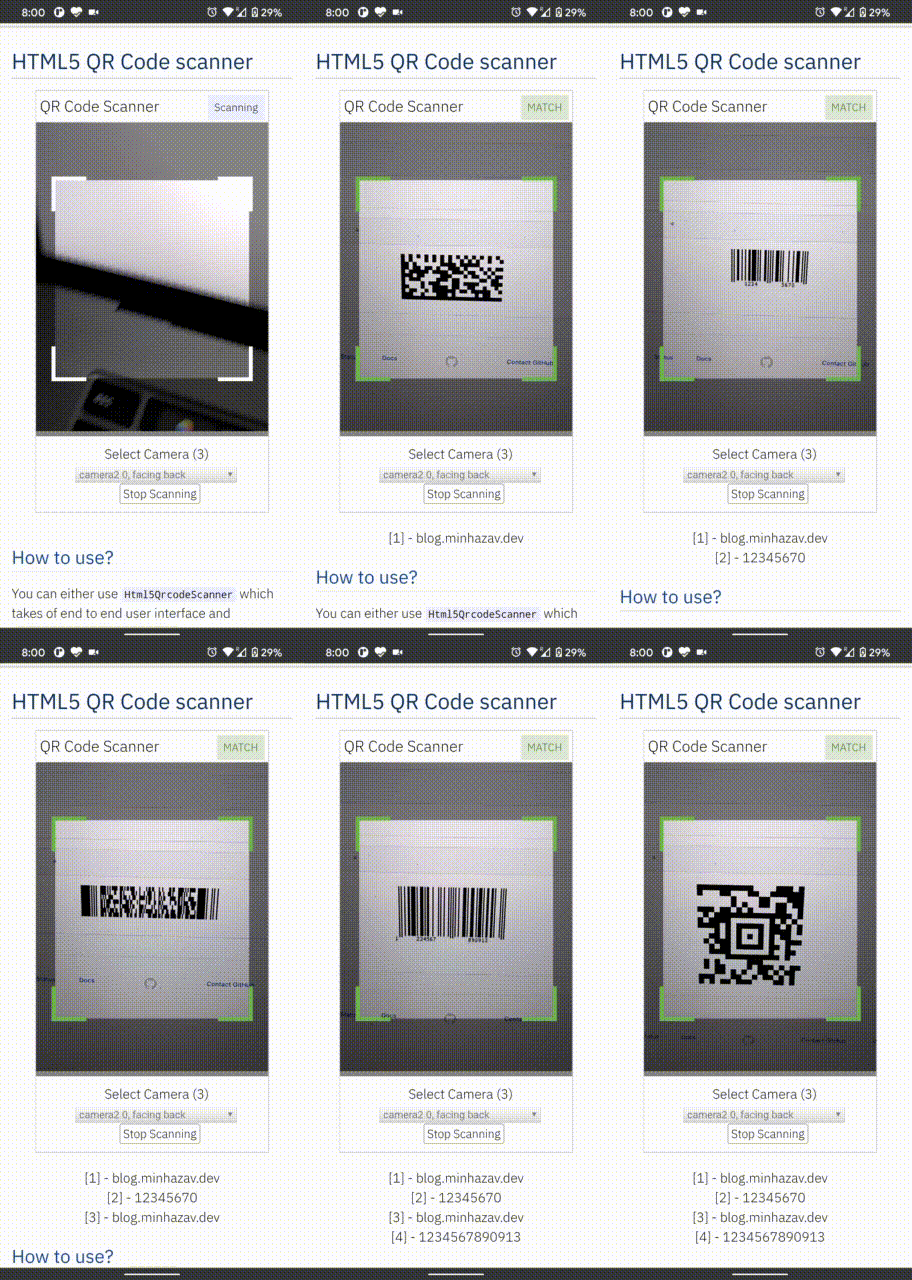 |
|---|---|
| Demo at scanapp.org | Demo at qrcode.minhazav.dev - Scanning different types of codes |
We need your help!
 Help incentivise feature development, bug fixing by supporting the sponsorhip goals of this project. See list of sponsered feature requests here.

Documentation
The documentation for this project has been moved to scanapp.org/html5-qrcode-docs.
Supported platforms
We are working continuously on adding support for more and more platforms. If you find a platform or a browser where the library is not working, please feel free to file an issue. Check the demo link to test it out.
Legends
 Means full support — inline webcam and file based
 Means partial support — only file based, webcam in progress
PC / Mac
 Firefox |  Chrome |  Safari |  Opera |  Edge |
|---|---|---|---|---|
| | | | |
Android
Chrome | Firefox | Edge | Opera |  Opera Mini |  UC |
|---|---|---|---|---|---|
| | | | | |
IOS
Safari | Chrome | Firefox | Edge |
|---|---|---|---|
| * | * | |
* Supported for IOS versions >= 15.1
Before version 15.1, Webkit for IOS is used by Chrome, Firefox, and other browsers in IOS and they do not have webcam permissions yet. There is an ongoing issue on fixing the support for iOS - issue/14
Framework support
The library can be easily used with several other frameworks, I have been adding examples for a few of them and would continue to add more.
 |  |  |  |  |
|---|---|---|---|---|
| Html5 | VueJs | ElectronJs | React | Lit |
Supported Code formats
Code scanning is dependent on Zxing-js library. We will be working on top of it to add support for more types of code scanning. If you feel a certain type of code would be helpful to have, please file a feature request.
| Code | Example |
|---|---|
| QR Code | 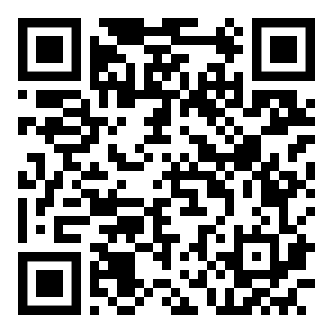 |
| AZTEC | 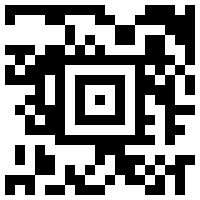 |
| CODE_39 | 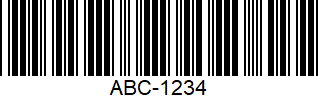 |
| CODE_93 | 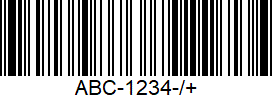 |
| CODE_128 | 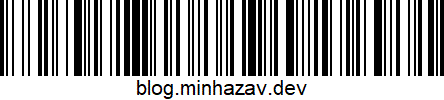 |
| ITF | 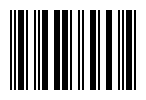 |
| EAN_13 | 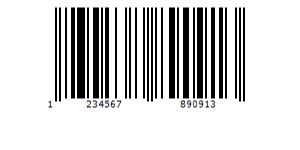 |
| EAN_8 | 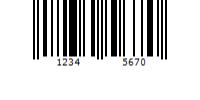 |
| PDF_417 | 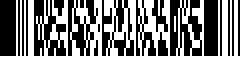 |
| UPC_A | 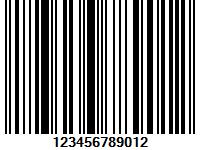 |
| UPC_E | 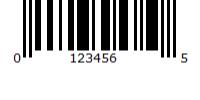 |
| DATA_MATRIX | 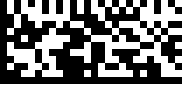 |
| MAXICODE* |  |
| RSS_14* | 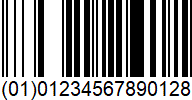 |
| RSS_EXPANDED* |  |
*Formats are not supported by our experimental integration with native BarcodeDetector API integration (Read more).
Description - View Demo
See an end to end scanner experience at scanapp.org.
This is a cross-platform JavaScript library to integrate QR code, bar codes & a few other types of code scanning capabilities to your applications running on HTML5 compatible browser.
Supports:
- Querying camera on the device (with user permissions)
- Rendering live camera feed, with easy to use user interface for scanning
- Supports scanning a different kind of QR codes, bar codes and other formats
- Supports selecting image files from the device for scanning codes
How to use
Find detailed guidelines on how to use this library on scanapp.org/html5-qrcode-docs.
Demo
Scan this image or visit blog.minhazav.dev/research/html5-qrcode.html
For more information
Check these articles on how to use this library:
- QR and barcode scanner using HTML and JavaScript
- HTML5 QR Code scanning — launched v1.0.1 without jQuery dependency and refactored Promise based APIs.
- HTML5 QR Code scanning with JavaScript — Support for scanning the local file and using default camera added (v1.0.5)
Screenshots
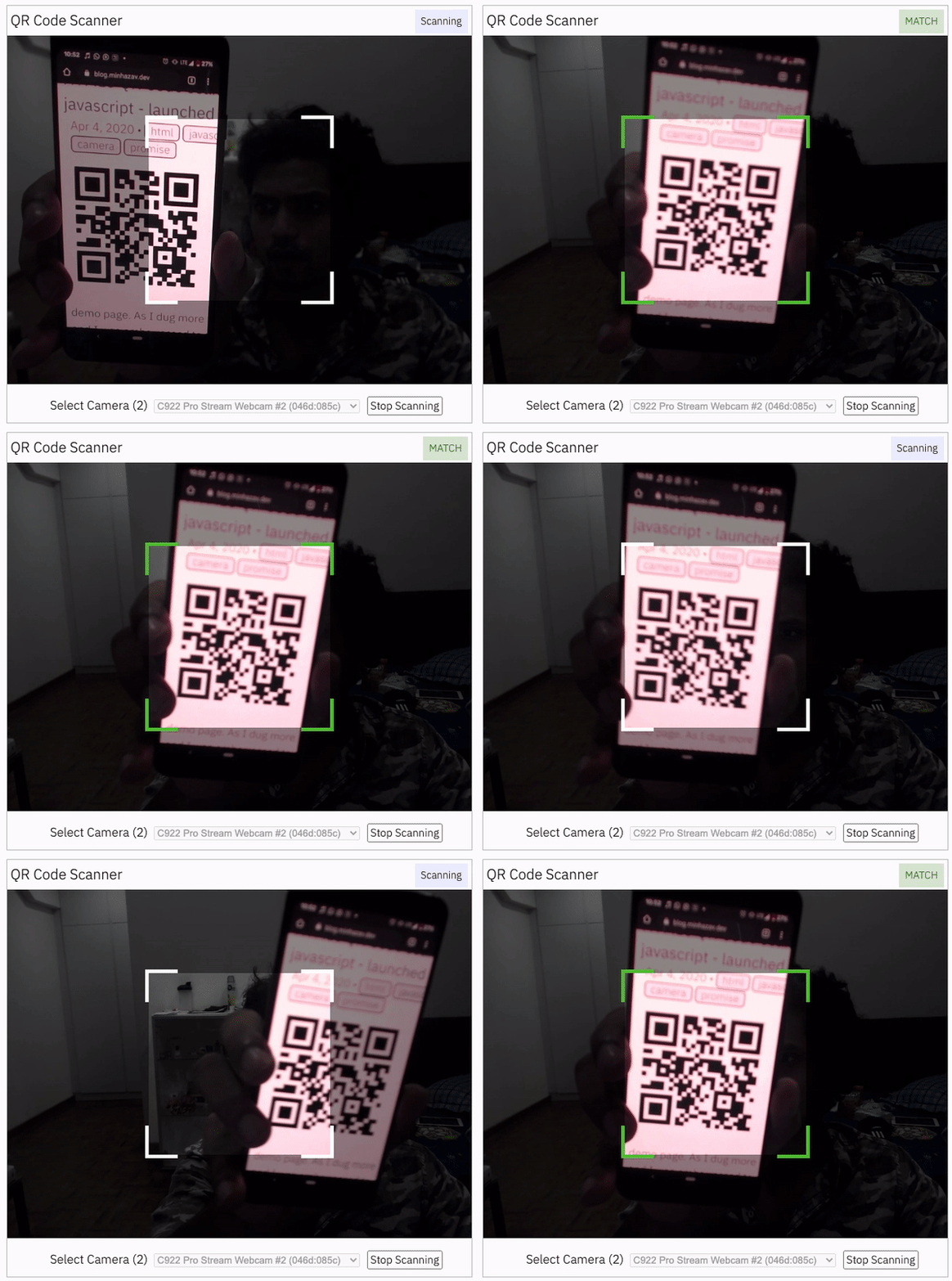
Figure: Screenshot from Google Chrome running on MacBook Pro
Documentation
Find the full API documentation at scanapp.org/html5-qrcode-docs/docs/apis.
Extra optional configuration in start() method
Configuration object that can be used to configure both the scanning behavior and the user interface (UI). Most of the fields have default properties that will be used unless a different value is provided. If you do not want to override anything, you can just pass in an empty object {}.
fps — Integer, Example = 10
A.K.A frame per second, the default value for this is 2, but it can be increased to get faster scanning. Increasing too high value could affect performance. Value >1000 will simply fail.
qrbox — QrDimensions or QrDimensionFunction (Optional), Example = { width: 250, height: 250 }
Use this property to limit the region of the viewfinder you want to use for scanning. The rest of the viewfinder would be shaded. For example, by passing config { qrbox : { width: 250, height: 250 } }, the screen will look like:
This can be used to set a rectangular scanning area with config like:
let config = { qrbox : { width: 400, height: 150 } }
This config also accepts a function of type
/**
  * A function that takes in the width and height of the video stream
* and returns QrDimensions.
*
* Viewfinder refers to the video showing camera stream.
*/
type QrDimensionFunction =
    (viewfinderWidth: number, viewfinderHeight: number) => QrDimensions;
This allows you to set dynamic QR box dimensions based on the video dimensions. See this blog article for example: Setting dynamic QR box size in Html5-qrcode - ScanApp blog
This might be desirable for bar code scanning.
If this value is not set, no shaded QR box will be rendered and the scanner will scan the entire area of video stream.
aspectRatio — Float, Example 1.777778 for 16:9 aspect ratio
Use this property to render the video feed in a certain aspect ratio. Passing a nonstandard aspect ratio like 100000:1 could lead to the video feed not even showing up. Ideal values can be:
| Value | Aspect Ratio | Use Case |
|---|---|---|
| 1.333334 | 4:3 | Standard camera aspect ratio |
| 1.777778 | 16:9 | Full screen, cinematic |
| 1.0 | 1:1 | Square view |
If you do not pass any value, the whole viewfinder would be used for scanning.
Note: this value has to be smaller than the width and height of the QR code HTML element.
disableFlip — Boolean (Optional), default = false
By default, the scanner can scan for horizontally flipped QR Codes. This also enables scanning QR code using the front camera on mobile devices which are sometimes mirrored. This is false by default and I recommend changing this only if:
- You are sure that the camera feed cannot be mirrored (Horizontally flipped)
- You are facing performance issues with this enabled.
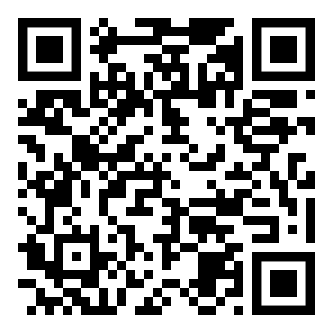
Here's an example of a normal and mirrored QR Code
| Normal QR Code | Mirrored QR Code |
|---|---|
|  |
rememberLastUsedCamera — Boolean (Optional), default = true
If true the last camera used by the user and weather or not permission was granted would be remembered in the local storage. If the user has previously granted permissions — the request permission option in the UI will be skipped and the last selected camera would be launched automatically for scanning.
If true the library shall remember if the camera permissions were previously
granted and what camera was last used. If the permissions is already granted for
"camera", QR code scanning will automatically * start for previously used camera.
supportedScanTypes - Array<Html5QrcodeScanType> | []
This is only supported for
Html5QrcodeScanner.
Default = [Html5QrcodeScanType.SCAN_TYPE_CAMERA, Html5QrcodeScanType.SCAN_TYPE_FILE]
This field can be used to:
- Limit support to either of
CameraorFilebased scan. - Change default scan type.
How to use:
function onScanSuccess(decodedText, decodedResult) {
  // handle the scanned code as you like, for example:
  console.log(`Code matched = ${decodedText}`, decodedResult);
}

let config = {
  fps: 10,
  qrbox: {width: 100, height: 100},
  rememberLastUsedCamera: true,
  // Only support camera scan type.
  supportedScanTypes: [Html5QrcodeScanType.SCAN_TYPE_CAMERA]
};

let html5QrcodeScanner = new Html5QrcodeScanner(
  "reader", config, /* verbose= */ false);
html5QrcodeScanner.render(onScanSuccess);
For file based scan only choose:
supportedScanTypes: [Html5QrcodeScanType.SCAN_TYPE_FILE]
For supporting both as it is today, you can ignore this field or set as:
supportedScanTypes: [
  Html5QrcodeScanType.SCAN_TYPE_CAMERA,
  Html5QrcodeScanType.SCAN_TYPE_FILE]
To set the file based scan as defult change the order:
supportedScanTypes: [
  Html5QrcodeScanType.SCAN_TYPE_FILE,
  Html5QrcodeScanType.SCAN_TYPE_CAMERA]
showTorchButtonIfSupported - boolean | undefined
This is only supported for
Html5QrcodeScanner.
If true the rendered UI will have button to turn flash on or off based on device + browser support. The value is false by default.
Scanning only specific formats
By default, both camera stream and image files are scanned against all the
supported code formats. Both Html5QrcodeScanner and Html5Qrcode classes can
be configured to only support a subset of supported formats. Supported formats
are defined in
enum Html5QrcodeSupportedFormats.
enum Html5QrcodeSupportedFormats {
  QR_CODE = 0,
  AZTEC,
  CODABAR,
  CODE_39,
  CODE_93,
  CODE_128,
  DATA_MATRIX,
  MAXICODE,
  ITF,
  EAN_13,
  EAN_8,
  PDF_417,
  RSS_14,
  RSS_EXPANDED,
  UPC_A,
  UPC_E,
  UPC_EAN_EXTENSION,
}
I recommend using this only if you need to explicitly omit support for certain formats or want to reduce the number of scans done per second for performance reasons.
Scanning only QR code with Html5Qrcode
const html5QrCode = new Html5Qrcode(
  "reader", { formatsToSupport: [ Html5QrcodeSupportedFormats.QR_CODE ] });
const qrCodeSuccessCallback = (decodedText, decodedResult) => {
    /* handle success */
};
const config = { fps: 10, qrbox: { width: 250, height: 250 } };

// If you want to prefer front camera
html5QrCode.start({ facingMode: "user" }, config, qrCodeSuccessCallback);
Scanning only QR code and UPC codes with Html5QrcodeScanner
function onScanSuccess(decodedText, decodedResult) {
  // Handle the scanned code as you like, for example:
  console.log(`Code matched = ${decodedText}`, decodedResult);
}

const formatsToSupport = [
  Html5QrcodeSupportedFormats.QR_CODE,
  Html5QrcodeSupportedFormats.UPC_A,
  Html5QrcodeSupportedFormats.UPC_E,
  Html5QrcodeSupportedFormats.UPC_EAN_EXTENSION,
];
const html5QrcodeScanner = new Html5QrcodeScanner(
  "reader",
  {
    fps: 10,
    qrbox: { width: 250, height: 250 },
    formatsToSupport: formatsToSupport
  },
  /* verbose= */ false);
html5QrcodeScanner.render(onScanSuccess);
Experimental features
The library now supports some experimental features which are supported in the library but not recommended for production usage either due to limited testing done or limited compatibility for underlying APIs used. Read more about it here. Some experimental features include:
How to modify and build
-
Code changes should only be made to /src only.
-
Run
npm installto install all dependencies. -
Run
npm run-script buildto build JavaScript output. The output JavaScript distribution is built to /dist/html5-qrcode.min.js. If you are developing on Windows OS, runnpm run-script build-windows. -
Testing
- Run
npm test - Run the tests before sending a pull request, all tests should run.
- Please add tests for new behaviors sent in PR.
- Run
-
Send a pull request
- Include code changes only to
./src. Do not change./distmanually. - In the pull request add a comment like
@all-contributors please add @mebjas for this new feature or tests- For calling out your contributions, the bot will update the contributions file.
- Code will be built & published by the author in batches.
- Include code changes only to
How to contribute
You can contribute to the project in several ways:
- File issue ticket for any observed bug or compatibility issue with the project.
- File feature request for missing features.
- Take open bugs or feature request and work on it and send a Pull Request.
- Write unit tests for existing codebase (which is not covered by tests today). Help wanted on this - read more.
Support 💖
This project would not be possible without all of our fantastic contributors and sponsors. If you'd like to support the maintenance and upkeep of this project you can donate via GitHub Sponsors.
Sponsor the project for priortising feature requests / bugs relevant to you. (Depends on scope of ask and bandwidth of the contributors).



Help incentivise feature development, bug fixing by supporting the sponsorhip goals of this project. See list of sponsered feature requests here.
Also, huge thanks to following organizations for non monitery sponsorships


Credits
The decoder used for the QR code reading is from Zxing-js https://github.com/zxing-js/library