tinymce vs ckeditor vs jodit vs quill
Rich Text Editors
tinymceckeditorjoditquillSimilar Packages:

Rich Text Editors

Rich text editors are powerful tools that allow users to create and edit content in a visually appealing way, similar to word processors. They enable users to format text, insert images, and create links without needing to write HTML code. These editors are essential for applications that require user-generated content, such as blogs, forums, and content management systems. Each of the mentioned libraries offers unique features and capabilities, catering to different development needs and user experiences.

Npm Package Weekly Downloads Trend

3 Years

Github Stars Ranking

Stat Detail

Package
Downloads
Stars
Size
Issues
Publish
License
tinymce943,19716,17911.7 MB42420 days agoSEE LICENSE IN license.md
ckeditor0523-77 years ago(GPL-2.0 OR LGPL-2.1 OR MPL-1.1)
jodit01,92021.9 MB36419 days agoMIT
quill047,0693.04 MB643a year agoBSD-3-Clause

Feature Comparison: tinymce vs ckeditor vs jodit vs quill

Customization

  • tinymce:

    TinyMCE is highly customizable, with a wide range of plugins and themes available. Developers can easily configure the editor to meet specific requirements, and its rich API allows for extensive modifications and integrations.

  • ckeditor:

    CKEditor offers extensive customization options, allowing developers to create tailored editing experiences through plugins, themes, and configuration settings. Its rich API enables deep integration with various frameworks and systems, making it highly adaptable to specific project needs.

  • jodit:

    Jodit provides a straightforward customization interface, allowing developers to modify toolbar options and styles easily. While it may not offer as many plugins as others, its simplicity makes it easy to adapt for basic use cases without extensive configuration.

  • quill:

    Quill is designed with customization in mind, featuring a modular architecture that allows developers to extend its functionality through custom formats and modules. This flexibility makes it suitable for applications that require unique formatting capabilities.

User Experience

  • tinymce:

    TinyMCE delivers a familiar interface similar to traditional word processors, which helps users transition easily. Its extensive feature set allows for rich content creation, catering to a wide range of user needs.

  • ckeditor:

    CKEditor provides a familiar word processor-like experience, making it easy for users to create and format content. Its intuitive interface and extensive features cater to both novice and advanced users, ensuring a smooth editing experience.

  • jodit:

    Jodit focuses on simplicity and ease of use, providing a clean interface that is user-friendly. It is designed for quick content creation without overwhelming users with too many options, making it ideal for basic editing tasks.

  • quill:

    Quill offers a modern and minimalistic user interface that enhances the editing experience. Its focus on performance and responsiveness ensures that users can create content quickly and efficiently, with a seamless experience across devices.

Performance

  • tinymce:

    TinyMCE is generally performant, but its extensive feature set can lead to slower performance in some cases. Developers can optimize performance by selectively loading plugins and features based on user needs.

  • ckeditor:

    CKEditor is optimized for performance, with features like lazy loading and efficient rendering. It handles large documents well, ensuring that users can edit content without noticeable lag, even in complex scenarios.

  • jodit:

    Jodit is lightweight and fast, making it suitable for applications where performance is critical. Its minimalistic design contributes to quick loading times and responsiveness during editing sessions.

  • quill:

    Quill is designed for speed and efficiency, utilizing a virtual DOM to minimize re-renders and enhance performance. This makes it a great choice for applications that require real-time editing capabilities.

Community and Support

  • tinymce:

    TinyMCE has a well-established community and comprehensive documentation, along with commercial support options. Its popularity ensures that developers can find help and resources easily.

  • ckeditor:

    CKEditor has a strong community and commercial support options, providing extensive documentation and resources for developers. Its long-standing presence in the market ensures a wealth of knowledge and shared experiences.

  • jodit:

    Jodit has a growing community and offers basic documentation. While it may not have as extensive a support network as others, its simplicity makes it easier for developers to find solutions to common issues.

  • quill:

    Quill benefits from an active open-source community, with plenty of resources and documentation available. The community-driven approach fosters collaboration and continuous improvement of the editor.

Integration

  • tinymce:

    TinyMCE offers extensive integration options, supporting various frameworks and content management systems. Its rich API and plugin ecosystem allow for deep integration into existing workflows.

  • ckeditor:

    CKEditor integrates seamlessly with various frameworks and platforms, including React, Angular, and Vue. Its flexibility allows for easy embedding in different environments, making it suitable for diverse applications.

  • jodit:

    Jodit is easy to integrate into projects, requiring minimal setup. Its lightweight nature ensures that it can be quickly added to existing applications without significant overhead.

  • quill:

    Quill's modular architecture allows for straightforward integration into modern web applications. It provides a clean API for developers to work with, making it easy to implement custom features.
How to Choose: tinymce vs ckeditor vs jodit vs quill

  • tinymce:

    Go with TinyMCE if you need a well-established editor with extensive plugins and community support. It is perfect for projects that require a rich set of features and a familiar interface for users transitioning from traditional word processors.

  • ckeditor:

    Choose CKEditor if you need a highly customizable and extensible editor with a robust set of features, including collaboration tools and rich media support. It is ideal for enterprise-level applications where advanced functionality is required.

  • jodit:

    Select Jodit if you are looking for a lightweight and straightforward editor that is easy to integrate and offers a good balance of features without overwhelming complexity. It is suitable for projects that need a simple yet effective editing solution.

  • quill:

    Opt for Quill if you want a modern, open-source editor that provides a clean API and modular architecture. Quill is great for developers who prioritize performance and flexibility, especially in applications that require custom formatting options.

README for tinymce

TinyMCE

The world's #1 open source rich text editor.

Using an old version of TinyMCE? We recommend you to upgrade to TinyMCE 8 to continue receiving security updates.

Used and trusted by millions of developers, TinyMCE is the world’s most customizable, scalable, and flexible rich text editor. We’ve helped launch the likes of Atlassian, Medium, Evernote (and lots more that we can’t tell you), by empowering them to create exceptional content and experiences for their users.

With more than 350M+ downloads every year, we’re also one of the most trusted enterprise-grade open source HTML editors on the internet. There’s currently more than 100M+ products worldwide, powered by Tiny. As a high powered WYSIWYG editor, TinyMCE is built to scale, designed to innovate, and thrives on delivering results to difficult edge-cases.

You can access a full featured demo of TinyMCE in the docs on the TinyMCE website.

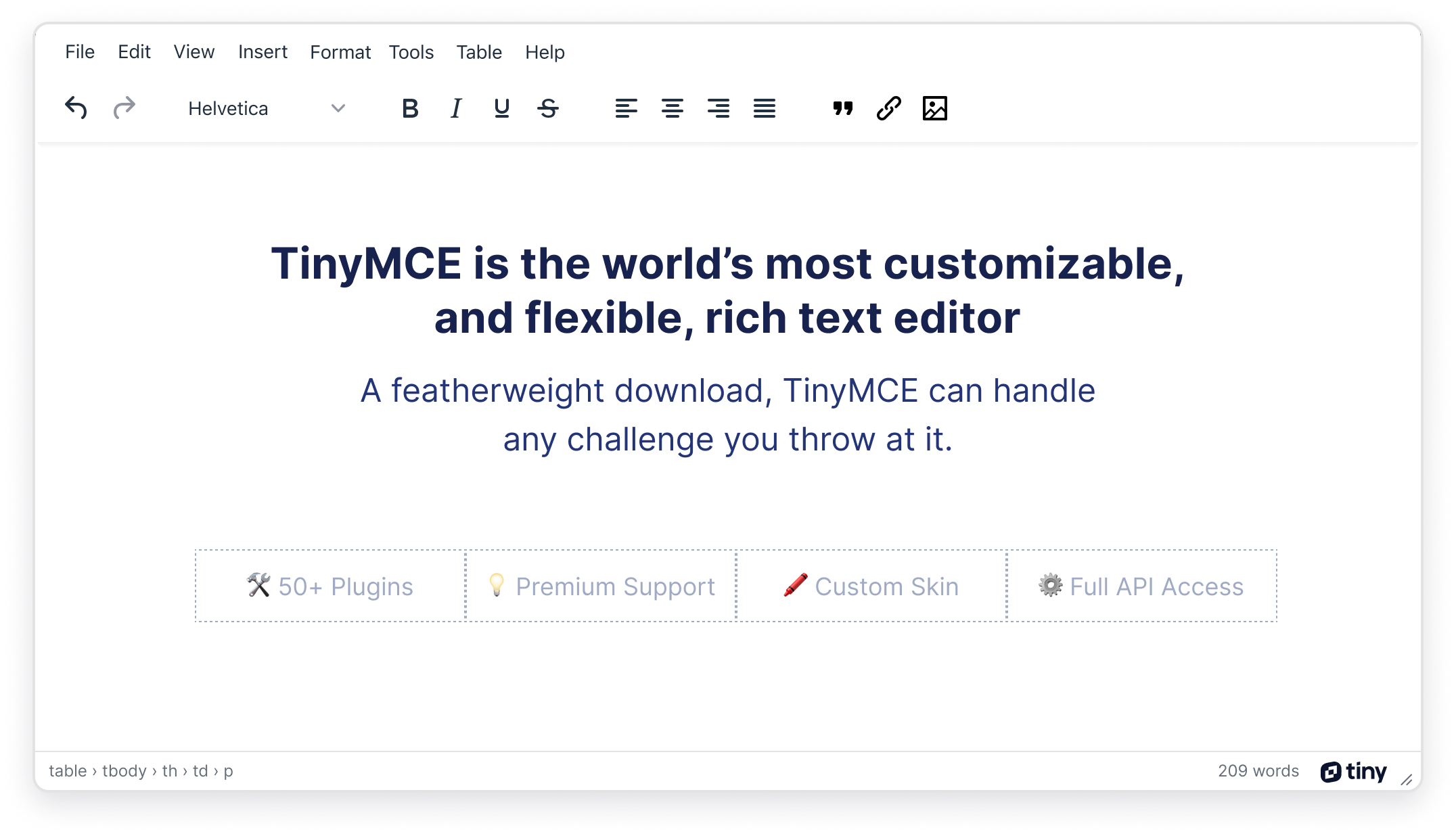
Screenshot of the TinyMCE Editor

Get started with TinyMCE

Getting started with the TinyMCE rich text editor is easy, and for simple configurations can be done in less than 5 minutes.

TinyMCE Cloud Deployment Quick Start Guide

TinyMCE Self-hosted Deployment Guide

TinyMCE provides a range of configuration options that allow you to integrate it into your application. Start customizing with a basic setup.

Configure it for one of three modes of editing:

Features

Integration

TinyMCE is easily integrated into your projects with the help of components such as:

With over 29 integrations, and 400+ APIs, see the TinyMCE docs for a full list of editor integrations.

Customization

It is easy to configure the UI of your rich text editor to match the design of your site, product or application. Due to its flexibility, you can configure the editor with as much or as little functionality as you like, depending on your requirements.

With 50+ powerful plugins available, and content editable as the basis of TinyMCE, adding additional functionality is as simple as including a single line of code.

Realizing the full power of most plugins requires only a few lines more.

Extensibility

Sometimes your editor requirements can be quite unique, and you need the freedom and flexibility to innovate. Thanks to TinyMCE being open source, you can view the source code and develop your own extensions for custom functionality to meet your own requirements.

The TinyMCE API is exposed to make it easier for you to write custom functionality that fits within the existing framework of TinyMCE UI components.

Extended Features and Support

For the professional software teams that require more in-depth efficiency, compliance or collaborative features built to enterprise-grade standards, please get in touch with our team.

Tiny also offers dedicated SLAs and support for professional development teams.

Compiling and contributing

In 2019 the decision was made to transition our codebase to a monorepo. For information on compiling and contributing, see: contribution guidelines.

As an open source product, we encourage and support the active development of our software.

Want more information?

Visit the TinyMCE website and check out the TinyMCE documentation.

License

License terms can be found in the license.md file.